
Panasonic Lumix G5 Review

Introduction
The Panasonic Lumix G5 is a DSLR-like compact system camera featuring a new 16 megapixel image sensor, 3-inch free-angle LCD screen, redesigned grip and integrated electronic viewfinder. It also offers a touchscreen interface, fast 0.18 second auto-focusing, 6fps burst shooting, ISO range of 160-12,800, Venus Engine VII FHD processing engine, Full HD 1080/50p videos, mechanical and silent electronic shutters, a new Function Lever, an eye proximity sensor, level gauge and an extensive range of Photo Style and Creative Control filters. The Panasonic Lumix G5 will be available in black or silver from mid-August for £599 body only, £699 with the 14-42mm Mega O.I.S. lens, £829 with the 14-42mm X power zoom and £879 with both the 14-42mm Mega O.I.S. lens and the 45-150mm telezoom.
Ease of Use
The Panasonic Lumix G5 is a little larger and heavier than the G3 model that it follows, measuring 119.9 x 83.2 x 70.8mm and weighing 346g, largely due to the much bigger handgrip that makes the camera easier to hold firmly. Still very much in the DSLR mould, the Panasonic Lumix G5 is an understated, contemporary camera that closely follows the design ethos of previous G-series models. It managea to fit a 3-inch fully rotating, free-angle LCD screen and an electronic viewfinder into its diminutive dimensions, yet is still comfortable enough for users with average-sized hands to operate. Apart from the handgrip and rear thumgrip, which are both rubberised, the G5 has a smooth, glossy plastic finish, presumably to help drive costs down, although it's still extremely well-built with a high quality aluminium body, metal lens mount and metal tripod socket that belies its mid-range price point.
On the front of the Panasonic Lumix G5 is a small focus-assist and self-timer indicator lamp, lens release button, lens mount and rubberised hand-grip, which is large enough to effectively aid your hold on the camera. Optical image stabilisation is supplied via the lens, rather than being built into the camera body, although the 14-42mm X power zoom lens that we tested the G5 with lacks a physical OIS switch. Instead it can be turned on and off through the G5's menu system. When enabled, the Panasonic Lumix G5 automatically compensates for camera shake, which is a slight blurring of the image that typically occurs at slow shutter speeds when the camera is hand held. There are two different modes, Mode 1 is on all the time including image composition and Mode 2 is only on when you press the shutter button. You don't notice that the camera is actually doing anything different when anti-shake is turned on, just that you can use slower shutter speeds than normal and still take sharp photos.
On the left of the G5 is the MIC / Remote socket for use with the optional remote shutter release and external microphone, and two connection ports, including a HDMI port for connecting the G5 to a HD television or monitor. Unfortunately, Panasonic don't include a HDMI cable as standard in the box, which means that you'll have to purchase one separately to take advantage of this camera's HD connectivity. On the bottom is a metal tripod socket, importantly in-line with the middle of the lens barrel, and the shared battery compartment and SD/SDHC/SDXC memory card slot. The G5 manages just over 300 shots using the supplied 7.2V 1200mAh rechargeable Li-ion battery, a big improvement on the 250 shot life offered by the G3.
Found on top of the Panasonic G5 are the flash hotshoe and built-in pop-up flash, complete with a sliding manual switch to open it, stereo microphones, on/off switch, one-touch Intelligent Auto Plus (iA+) button for quickly switching to this beginner-friendly shooting mode, ahnady one-touch movie record button and a reasonably sized, tactile shutter button. New to the G5 is the curious Function Lever. This innocuous looking switch allows to to zoom any power zoom lens, zoom into an image when in playback mode and navigate the user interface. It has a rather spongy feel but is well-positioned under your right forefinger and provides a useful upgrade path for compact camera users.
Completing the Panasonic Lumix G5's top panel is a traditional dial that lets you choose the different exposure modes. This dial is a typical feature of SLR cameras and enables you to quickly change between the various modes. The usual selection of Program, Aperture Priority, Shutter Priority, and Manual are available for more experienced photographers, while beginner-friendly Scene modes are accessed via the SCN setting. Additionally there are 2 custom modes, marked C1 and C2, which allow you to configure your favourite settings and quickly access them.
The G5's range of Creative Controls, denoted by an artist's palette, now offers a whopping 14 options. Some are more useful than others, and I'm not quite sure why these modes deserve their own special place on the shooting mode dial, rather than being grouped together with the Photo Styles in the Main Menu. It's presumably because you lose control of the exposure and other key settings when using the Creative Controls, whereas the 6 available Photo Styles still allow full control of the camera's settings.
|
|
| Front | Rear |
The clever Intelligent Auto mode, selected via the button on top of the G5, tries to make things as easy as possible for the complete beginner, allowing them to point and shoot the camera without having to worry about choosing the right scene mode or settings. Intelligent Auto Mode automatically determines a number of key criteria when taking a picture, including selecting the most appropriate scene mode (from 5 commonly used presets) and ISO speed, and turning face detection (up to 15 faces), image stabilization and quick auto-focus on.
The Intelligent Auto Plus Mode also includes Intelligent Exposure, which increases exposure only in the under-exposed areas of the image, Digital Red-eye, which automatically detects and removes red-eye, and AF Tracking, which continually tracks a moving subject and keeps it in focus, without you having to hold the shutter button halfway down as on most other cameras. Intelligent D-range continually checks the ambient light level and adjusts the exposure setting as conditions change to prevent blown highlights and blocked shadows, while Intelligent Resolution mode makes a standard image look like a higher resolution one.
In practice the Intelligent Auto Mode system works very well, with the G5 seamlessly choosing the most appropriate combination of settings for the current situation. The 5 available scene modes are Portrait, Landscape, Macro, Night Portrait and Night Scenery, so obviously not all situations are covered by Intelligent Auto Mode, but it does work for the majority of the time. It makes it possible for the less experienced photographer to easily take well-exposed, sharp pictures of people, scenery and close-ups by simply pointing and shooting the camera. Also catering for the beginner are a total of 23 different scene modes.
The G5 improves on the G3's 1080i movie format by offering Full 1080p HD 1920 x 1080 movies at 60/50 frames per second, and 720p HD 1280 x 720 movies at 60 fps, both in the AVCHD (MPEG-4/H.264) format. In addition it can also record MP4 movies at 1920 x 1080, 1280 x 720, 848 x 480, and 640 x 480 pixels all at 30fps, useful as this format can currently be shared more easily. AVCHD features almost double the recording time in HD quality compared with MP4, but software support is still a little thin on the ground. Panasonic describe it as the best mode for playing back on a HD TV direct from the camera, and MP4 best for email and playing on a computer. There is a limit on the length of a movie of up to 29 min 59 sec in European PAL areas, and continuous recording exceeding 2GB is not possible when recording in the MP4 format.
Stereo sound is recorded during video capture and you can also fit an optional external stereo microphone, as with the G3. There's also a useful wind cut function which blocks out most of the noise from background wind. The dedicated movie button on the top makes it simple to start record video footage at whatever quality level is currently selected. The HDMI port allows you to connect the G5 to a high-def TV set, but only if you purchase the optional HDMI mini-cable.
The Panasonic G5's Intelligent Auto mode works for movies as well as for still photos. Simply press the iA button on top of the camera, then the Movie Record button on the rear. The Intelligent Scene Selector automatically determines the most suitable Scene mode from five options - Portrait, Scenery, Low Light and Close-up or Normal modes. Face Detection automatically detects a face in the frame and adjusts the focus, exposure, contrast, and skin complexion. Intelligent Exposure continually checks the ambient light level and adjusts the exposure setting as conditions change to prevent blown highlights and blocked shadows. The Optical Image Stabilizer helps prevent blurring from hand-shake when using a compatible lens. One great benefit of the touch-screen control system is that Touch Auto Focusing is available in movie recording, enabling pro-level rack-like focusing simply by pointing at the subject on the LCD screen.
The rear of the Lumix G5 is dominated by the large 3 inch LCD screen. The rotating, free-angle LCD monitor, which is hinged on the left side of the camera (looking from the rear), can be rotated 180 degrees for side to side and flipped out and twisted through 270 degrees. You can use the screen as a waist-level viewfinder, holding the camera overhead, and even for turning the G5 on yourself for arm-length self-portraits. There's also the added benefit of folding the screen away against the camera body to protect it when stored in a camera bag, preventing it from becoming marked or scratched.
|
|
| Front | Swivelling LCD Screen |
The improved 920K pixel high-resolution screen coped admirably with the majority of lighting conditions. This screen is a great improvement on cameras with the usual 230K dot resolution, even being nice to use in low-light. The Auto Power LCD function automatically detects the current lighting conditions and boosts the LCD backlighting by up to 40% when shooting outdoors in bright sunshine, helping to keep the screen visible. The high-res, free-angle LCD screen is much more than just a novelty - it's a lot more versatile than the usual combination of optical viewfinder and fixed LCD, providing new angles of view and enhancing your overall creativity. Above all, it's a fun way of composing your images.
The G5 inherits the G3's clever touchscreen interface. Panasonic have wisely restricted the amount of things that you can do by interacting with the screen, and indeed you can still operate everything on the camera without having to push and prod the LCD at all. You would be missing out on a lot of genuinely useful functionality, though, which really improves the overall shooting experience. New to the G5 is a feature called Touchpad AF which allows you to move the focus point area with your finger on the LCD while you're looking through the EVF.
The most immediately noticeable function is the ability to use the 1-area AF mode to focus on your main subject simply by touching it on the LCD. If the subject then moves, the G5 cleverly follows it around the screen using the the AF tracking function. If the subject exits the frame entirely, simply recompose and tap it again to start focusing. Impressive stuff that makes focusing on off-center subjects fast and intuitive. It is a little too easy to accidentally press the screen and set the focus point to the wrong area for the current subject, but a simple tap in the middle of the LCD will center the AF point (or you can turn this feature off altogether).
The size of the AF point itself can also be changed via an interactive onscreen slider. If Face Detection is enabled, the 1-area AF point can be manually set to a person's eye to help ensure that the most important part of a portrait is in focus. If Multi-area AF rather than 1-area AF is enabled, then you can select a group of 4, 5 or 6 AF points from 9 different areas, again providing some manual control over what is traditionally a rather hit and miss affair.
When Intelligent Auto is switched on, the G5 changes the scene mode used when you touch the subject, for example selecting portrait mode if you touch a face and macro mode if you touch a close-up flower. If you prefer to manually focus rather than use the snappy AF, you can magnify any part of the subject by 1x, 5x or 10x by simply dragging the image around the screen. The final touchscreen ability from an image composition point of view is the ability to release the shutter, with a small icon on the right hand screen enabling this functionality, and then a single on-screen tap all that's required to take the picture.
Most of the menu options can be changed via the touchscreen interface, notably the Quick Menu and the Info Display menu - the main exception to this rule is the Main Menu, which is still mostly controlled via the navigation buttons. You can also control image playback by touching the screen, with the ability to tap a thumbnail to see the full-size version, scroll through your images by dragging them from side to side, and magnifying them up to 16x.
|
|
| Touchscreen Interface | Top |
Instead of the bulky optical viewfinder of a conventional DSLR, the Panasonic G5 has a smaller electronic viewfinder. The electronic viewfinder on the G5 is identical to the G3's excellent EVF, which in turn was the same as the original G1. Despite its age this viewfinder is still on a par with any comparable system, with the exception perhaps of the Fujifilm X100's innovative hybrid viewfinder. It has a large 1.4x (0.7x on 35mm equiv.) magnification, 100% field of view, and a 1,440,000 dot equivalent resolution, resulting in a very usable display that won't leave you cursing. The EVF (and also the main LCD screen) operates at 60fps, twice the usual speed, which helps make it relatively flicker-free (although it is still noticeable).
New to the G5 is a handy eye proximity sensor whcih detects when the camera is held up to your eye and automatically switches from the rear LCD screen to the EVF. You can also switch between the two via the LVF/LCD button (this button can also be usefully reconfigured to the Function3 button). As the EVF is reading the same signal from the image sensor as the rear LCD screen, it can also display similar information - for example, you can view and operate the G5's Quick Menu, giving quick access to all the key camera settings while it's held up to your eye.
The main downside of the G5's EVF system occurs indoors in low light, as it has to "gain-up" to produce a usable picture, resulting in a noticeably grainier picture. In all other situations, however, the electronic viewfinder on the G5 is the equal of and in many areas better than a DSLR's optical viewfinder, particularly those found on entry-level models which are typically dim and offer limited scene coverage. The truest testament to the G5 is that we mostly used it by holding it up to eye-level, something that we wouldn't do unless the EVF was of sufficient quality.
Positioned to the right of the EVF are the Quick Menu button and very useful AF/AE Lock button (which can be reconfigured to the Function1 button). The Q.Menu button provides quick access to most of the principal controls, including the photo style, flash, movie type, image size, image quality, auto-focus and metering options.
To the right again is a grey dial that's used for, amongst other things, changing the aperture and shutter speed by turning from left to right and back again. This is a common feature found on DSLR cameras, so you'll be right at home if you've used any DSLR before - compact camera users will need to get used to using this dial, although it is possible (but rather long-winded) to set the aperture/shutter speed via the LCD screen. The control dial can also be pressed inwards to switch to setting exposure compensation.
Below this are the Playback and the Display buttons, the latter cycling through the various LCD views, including the useful new level gauge. Underneath again is a traditional 4-way navigation pad system with a Menu/Set button in the centre. Pressing left, up, right and down on the D-Pad buttons selects AF Mode, ISO, White Balance and Burst mode / Bracketing / Self-timer options respectively.
|
|
| Memory Card Slot | Battery Compartment |
The main menu system on the G5 is straight-forward to use and is accessed by pressing the Menu/Set button in the middle of the navigation D-Pad. There are five main menus represented by large icons, Record, Motion Picture, Custom, Setup and Playback. As an indication of how configurable the G5 is, the Custom menu has 36 different options, allowing you to fine-tune this camera to suit your way of working. If you have never used a digital camera before, or you're upgrading from a more basic model, reading the easy-to-follow manual before you start is a good idea. Unfortunately Panasonic have only chosen to supply a basic guide in printed format, with the full manual only available as a PDF on the product CD.
The Panasonic Lumix G5's Intelligent Resolution mode makes a standard image look like a higher resolution one by processing the contour areas, texture areas and smooth areas individually. There are three available strengths - low, standard and high - and an Extended option which increase the zoom range. Despite all the clever behind-the-scenes processing, it's fairly easy to tell which image was taken with Intelligent Resolution turned on and which one with it turned off due to unwanted artifacts appearing, particularly if viewing onscreen at 100% magnification. While the difference isn't quite so apparent on a print up to A3 in size, we're not convinced enough to recommend regularly using it.
Intelligent Dynamic adjusts the exposure setting to record more detail in the highlights and shadows, with three strengths available - low, standard and high. It's actually very effective for high-contrast scenes when the camera tends to blow-out the highlights and block-up the shadows. You can see some examples for both Intelligent Resolution and Intelligent Dynamic on the Image Quality page. The new HDR feature achieves the still fashionable high dynamic range look, although there's only an On or Off setting with no scope to tone down the effect.
The G5 employs the same Contrast AF that is commonly used by compact cameras. Despite this the G5's auto-focus system is as fast, if not faster, than a typical DSLR camera's, with a claimed speed of less than 0.1 second when used with certain lenses, and a still impressive 0.18 second with the 14-42mm kit lens. In practice I noticed very little difference in speed between the G5 and a DSLR, and there were also very few occasions when the G5 failed to lock onto the subject, especially when using the centre AF point. There are a wide range of AF modes on offer, including multiple-area AF with up to 23 focus areas, 1-area AF with a selectable focus area, Face Detection, and AF Tracking. The G5 also has a useful Quick AF function that begins focusing as soon as you point the camera.
The start-up time from turning the Lumix G5 on to being ready to take a photo is very impressive at less than 0.5 seconds. It takes about 1 second to store a JPEG image, allowing you to keep shooting as they are being recorded onto the memory card - there is a barely perceptible LCD blackout between each image. Storing a single RAW image takes around 5 seconds, but thankfully it doesn't lock up the camera in any way - you can use the menu system or shoot another image while the first file is being written to memory. The Panasonic Lumix G5 has a good Burst mode which enables you to take 6 frames per second for an unlimited number of JPEG images at the highest image quality, or 9 RAW images. There's also a faster 20fps mode, but the images are only recorded at 4 megapixels.
Once you have captured a photo, the Panasonic Lumix G5 has an average range of options when it comes to playing, reviewing and managing your images. You can instantly scroll through the images that you have taken, view thumbnails (up to 30 onscreen at the same time and in a Calendar view), zoom in and out up to 16x magnification, view slideshows, delete, protect, trim, resize, copy and rotate an image. You can also select favourite images, change an image's aspect ratio, divide a video and set the print order. The Display button toggles detailed settings information about each picture on and off, such as the ISO rating and aperture / shutter speed, and there is a small brightness histogram available during shooting and RGBY histogram during playback if enabled in the menu. You can also turn on guide-lines to help with composition and flashing highlights which indicate any over-exposed areas of the image.
Image Quality
All of the sample images in this Review were taken using the 16 megapixel Fine JPEG setting, which gives an average image size of around 6Mb.
The Panasonic Lumix G5 produced images of excellent quality during the review period. It produces noise-free images at ISO 100 to 800, with limited noise starting to appear at ISO 1600. ISO 3200 exhibits quite visible noise and loss of fine detail, and the fastest settings of ISO 6400 and 12800 are even noisier but still usable for small prints and web use.
The images were a little soft straight out of the camera at the default sharpening level and ideally require further sharpening in an application like Adobe Photoshop, or you can change the in-camera setting if you don't like the default results. The various Creative Controls and Photo Styles allow you to quickly and easily customise the look of the camera's JPEG images. The pop-up flash worked well indoors, with no red-eye and good overall exposure.
The night photograph was excellent, with the maximum shutter speed of 60 seconds allowing you to capture plenty of light. We struggled to see any differences between the Intelligent Resolution settings, but Intelligent D-range and the new HDR mode are effective features for capturing more detail in the shadows and highlights.
Noise
There are 8 ISO settings available on the Panasonic Lumix G5. Here are some 100% crops which show the noise levels for each ISO setting:
|
JPEG |
RAW |
|
ISO 160 (100% Crop) |
ISO 160 (100% Crop) |
|
|
|
ISO 200 (100% Crop) |
ISO 200 (100% Crop) |
|
|
|
ISO 400 (100% Crop) |
ISO 400 (100% Crop) |
|
|
|
ISO 800 (100% Crop) |
ISO 800 (100% Crop) |
|
|
|
ISO 1600 (100% Crop) |
ISO 1600 (100% Crop) |
|
|
|
ISO 3200 (100% Crop) |
ISO 3200 (100% Crop) |
|
|
|
ISO 6400 (100% Crop) |
ISO 6400 (100% Crop) |
|
|
|
ISO 12800 (100% Crop) |
ISO 12800 (100% Crop) |
|
|
File Quality
The Panasonic Lumix G5 has 2 different JPEG image quality settings available, with Fine being the highest quality option. Here are some 100% crops which show the quality of the various options, with the file size shown in brackets.
|
Fine (7.14Mb) (100% Crop) |
Standard (3.14Mb) (100% Crop) |
|
|
|
RAW (18.9Mb) (100% Crop) |
|
|
Sharpening
Here are two 100% crops which have been Saved as Web - Quality 50 in Photoshop. The right-hand image has had some sharpening applied in Photoshop. The out-of-the camera images are a little soft at the default sharpening setting, and benefit from further sharpening in a program like Adobe Photoshop. You can also change the in-camera sharpening level by tweaking the Film Mode, with five different settings available.
|
Original (100% Crop) |
Sharpened (100% Crop) |
|
|
|
|
Flash
The flash settings on the Panasonic Lumix G5 are Auto, Auto/Red-eye Reduction, Forced Flash On, Slow Sync./Red-eye Reduction and Forced Flash Off. These shots of a white coloured wall were taken at a distance of 1.5m.
|
Flash Off (28mm) |
Flash On (28mm) |
|
|
|
Flash Off (84mm) |
Flash On (84mm) |
|
|
And here are some portrait shots. As you can see, neither the Flash On setting or the Red-Eye Reduction option caused any amount of red-eye.
|
Flash On |
Flash On (100% Crop) |
|
|
|
Red-eye Reduction |
Red-eye Reduction (100% Crop) |
|
|
Night
The Panasonic Lumix G5 maximum shutter speed is 60 seconds and there's also a Bulb option for exposures up to 4 minutes long, which is excellent news if you're seriously interested in night photography. The shot below was taken using a shutter speed of 15 seconds at ISO 160. I've included a 100% crop of the image to show what the quality is like. The camera takes the same amount of time again to apply noise reduction, so for example at the 15 second setting the actual exposure takes 30 seconds.
|
Night Shot |
Night Shot (100% Crop) |
|
|
Image Stabilisation
The Panasonic Lumix G5 has an antishake mechanism which allows you to take sharp photos at slower shutter speeds than other digital cameras. To test this, I took 2 handheld shots of the same subject with the same settings. The first shot was taken with the stabilizer turned off, the second with it turned on. Here is a 100% crop of the image to show the results. As you can see, with image stabilisation turned on, the images are sharper than when it's turned off.
|
Shutter Speed / Focal Length |
Image Stabilisation Off (100% Crop) |
Image Stabilisation On (100% Crop) |
| 1/6th / 28mm | |
|
| 1/5th / 84mm | |
|
Intelligent Resolution
The Panasonic Lumix G5's Intelligent Resolution feature identifies outlines, texture areas and soft gradation areas of the image and then automatically optimizes the edges and detailed texture areas while using noise reduction to make the soft gradation areas smoother. There are three available strengths - low, standard and high.
|
Off |
Low |
|
|
|
Standard |
High |
|
|
| Extended | |
|
HDR
The Panasonic Lumix G5's HDR mode combines three pictures taken at different exposures to create one image with greater dynamic range than a single shot.
|
Off |
On |
|
|
Intelligent D-Range
The Panasonic Lumix G5's Intelligent D-range setting adjusts the exposure setting to record more detail in the highlights and shadows, with three strengths available - low, standard and high.
|
Off |
Low |
|
|
|
Standard |
High |
|
|
Photo Styles
The Panasonic Lumix G5 has 6 preset Photo Styles, with Standard as the default setting. The contrast, sharpness, saturation and noise reduction can be individually set for each picture style, and there is also a Custom style so that you can create your own look.
|
Standard |
Vivid |
|
|
|
Natural |
Monochrome |
|
|
|
Scenery |
Portrait |
|
|
Creative Controls
The Panasonic G5 has an extensive range of Creative Controls, denoted by an artist's palette on the shooting mode dial, with 14 different options on offer.
|
Expressive |
Retro |
|
|
|
High Key |
Low Key |
|
|
|
Sepia |
Dynamic Monochrome |
|
|
|
Impressive Art |
High Dynamic |
|
|
|
Cross Process |
Toy Effect |
|
|
|
Miniature Effect |
Soft Focus |
|
|
|
Star Filter |
One Point Color |
|
|
Sample Images
This is a selection of sample images from the Panasonic Lumix G5 camera, which were all taken using the 16 megapixel Fine JPEG setting. The thumbnails below link to the full-sized versions, which have not been altered in any way.
1/400s · f/6.3 · ISO 160
84mm
Download Original

1/1300s · f/6.3 · ISO 160
28mm
Download Original
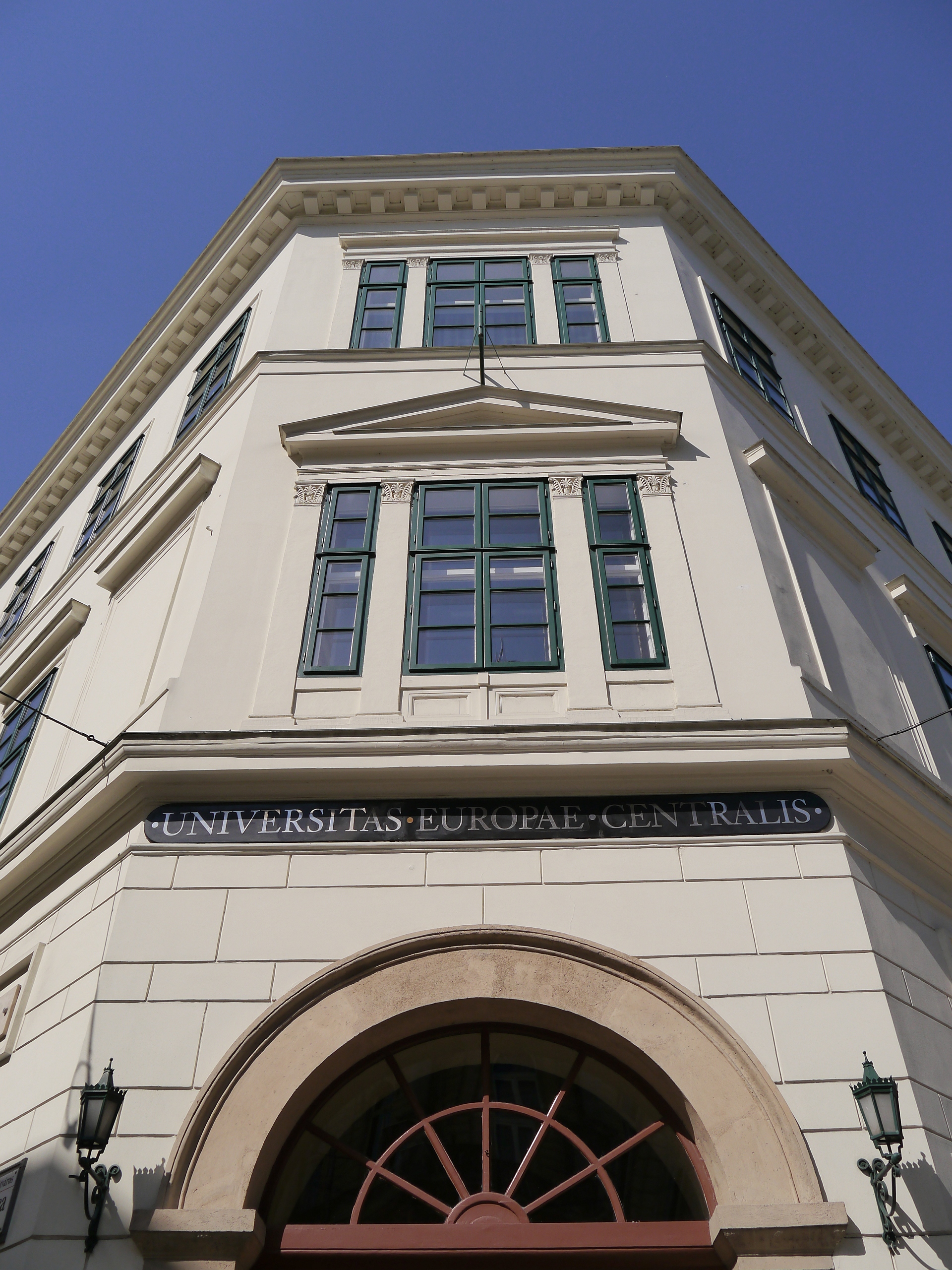
1/250s · f/8 · ISO 160
84mm
Download Original

1/60s · f/5.6 · ISO 1600
84mm
Download Original

1/80s · f/5.6 · ISO 6400
28mm
Download Original
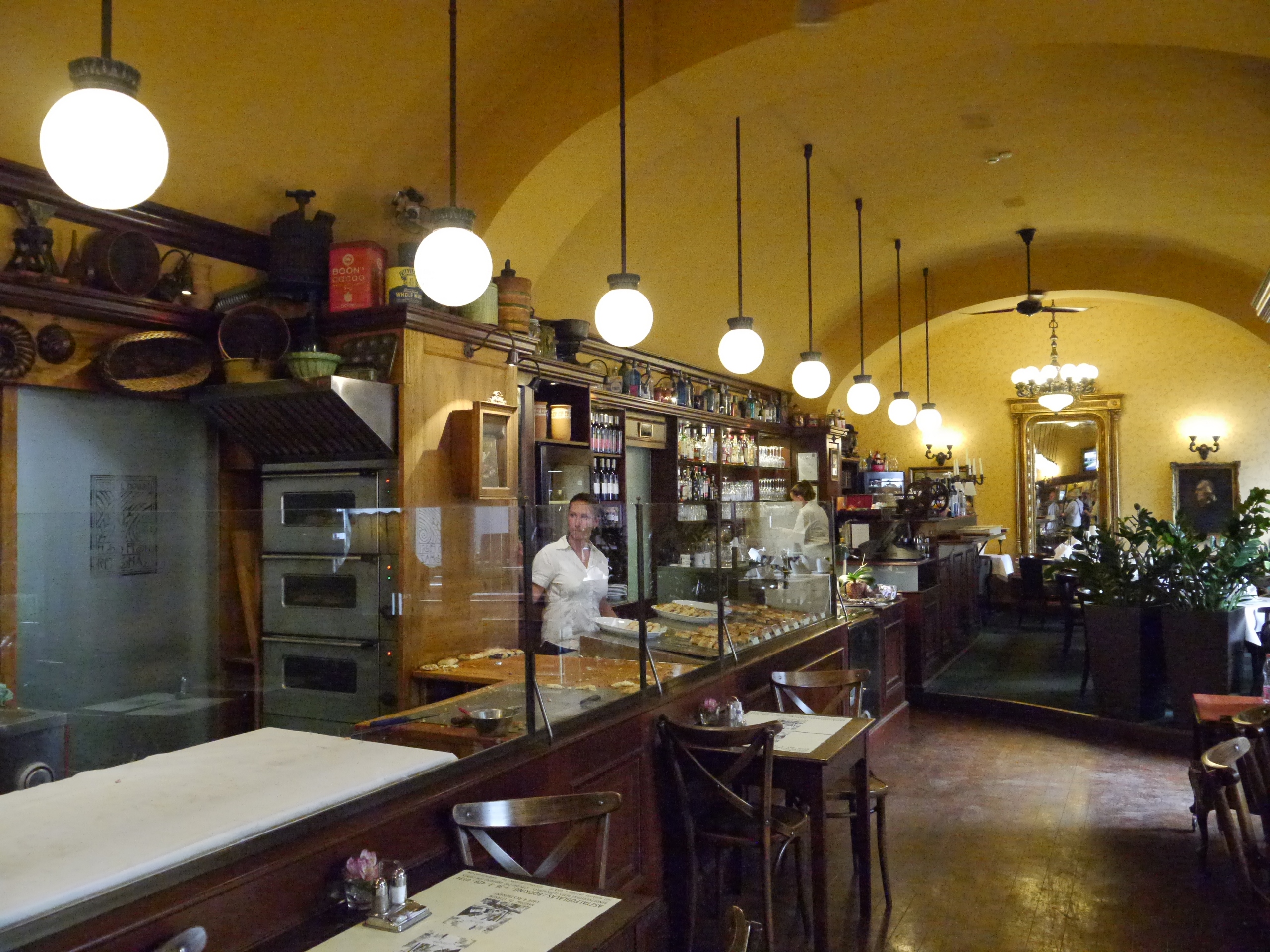
1/60s · f/5.6 · ISO 6400
62mm
Download Original
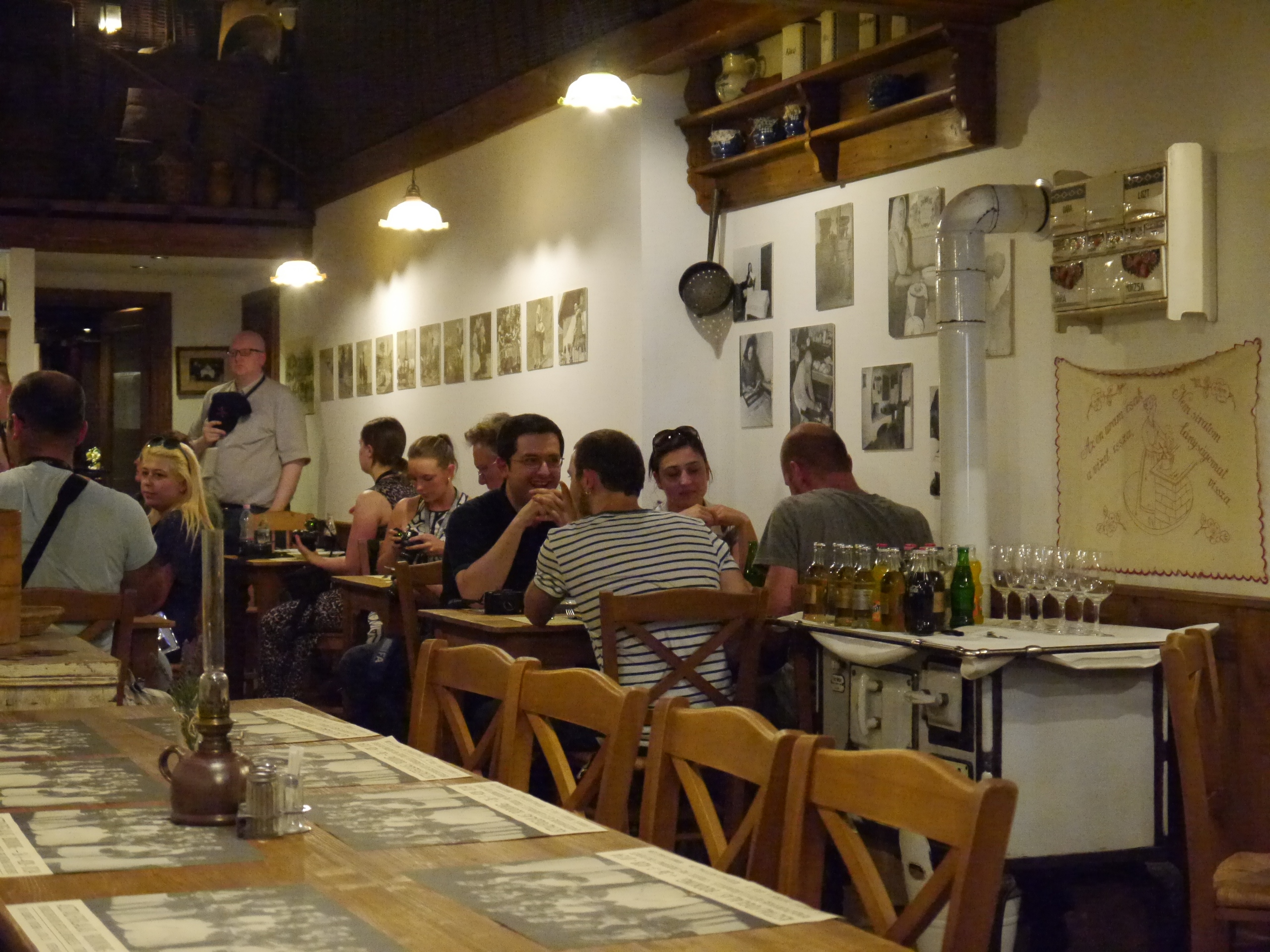
1/1600s · f/5.6 · ISO 160
84mm
Download Original
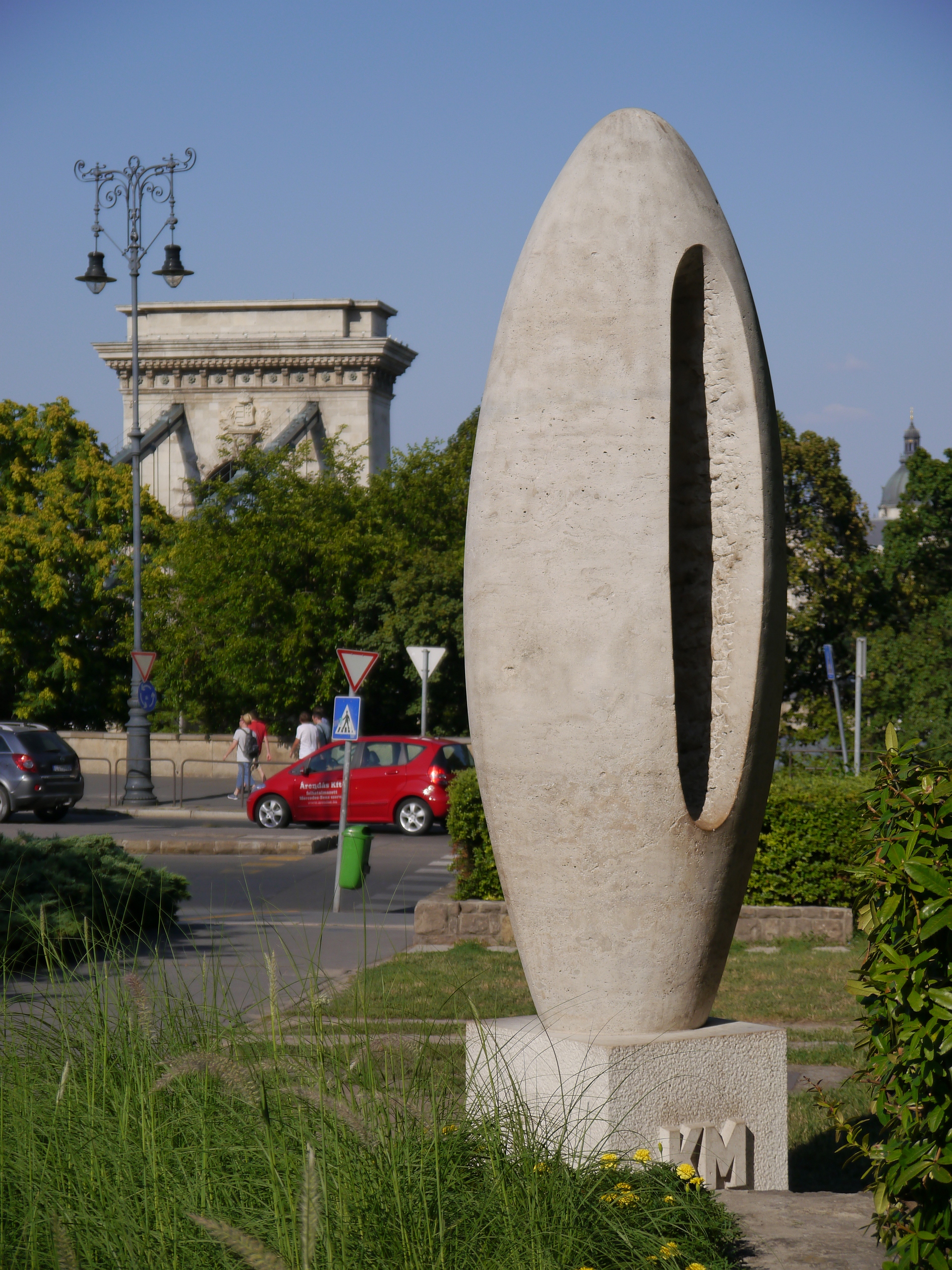
1/60s · f/9 · ISO 200
44mm
Download Original

1/320s · f/11 · ISO 160
84mm
Download Original
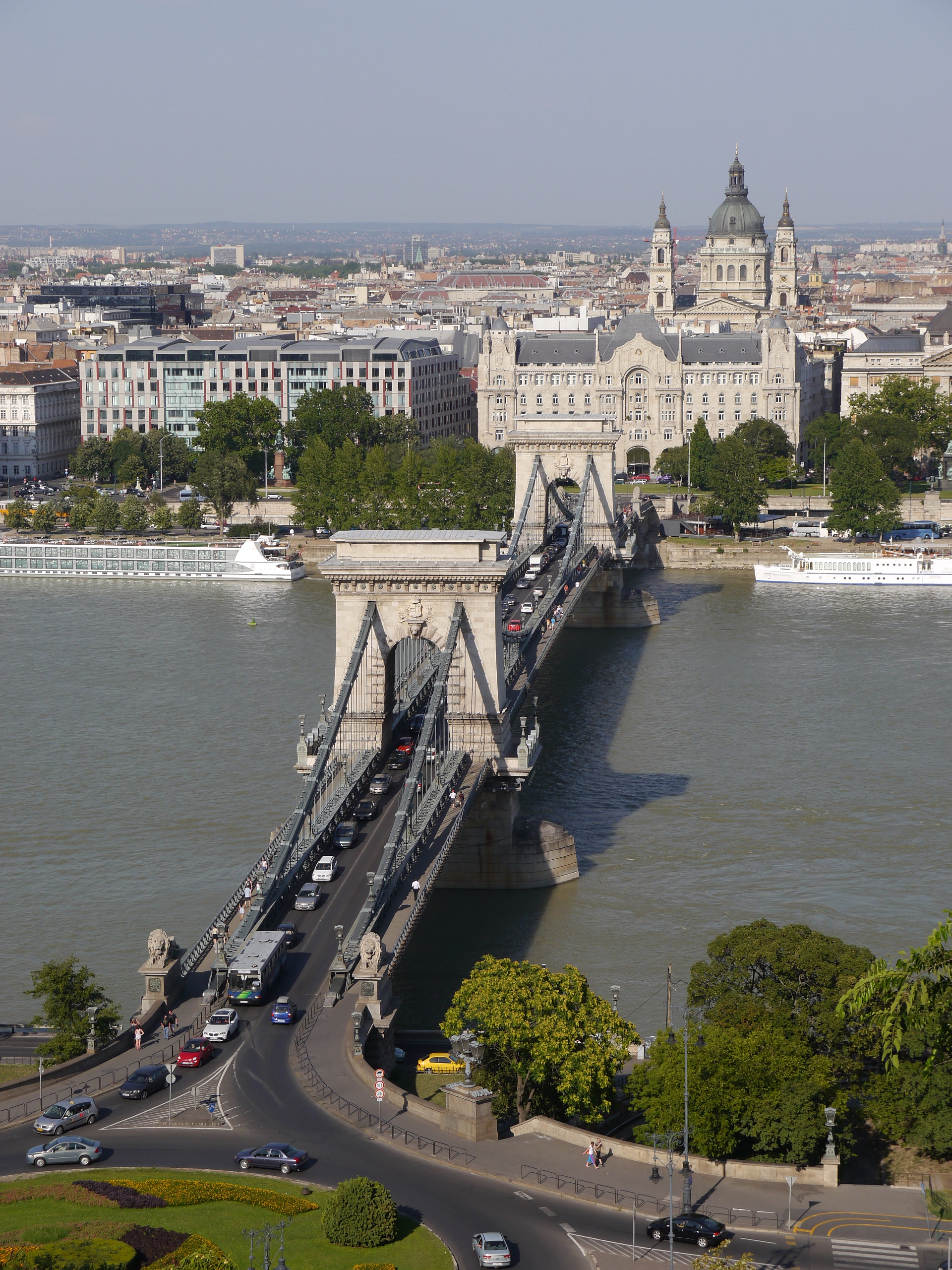
1/160s · f/5.6 · ISO 160
30mm
Download Original
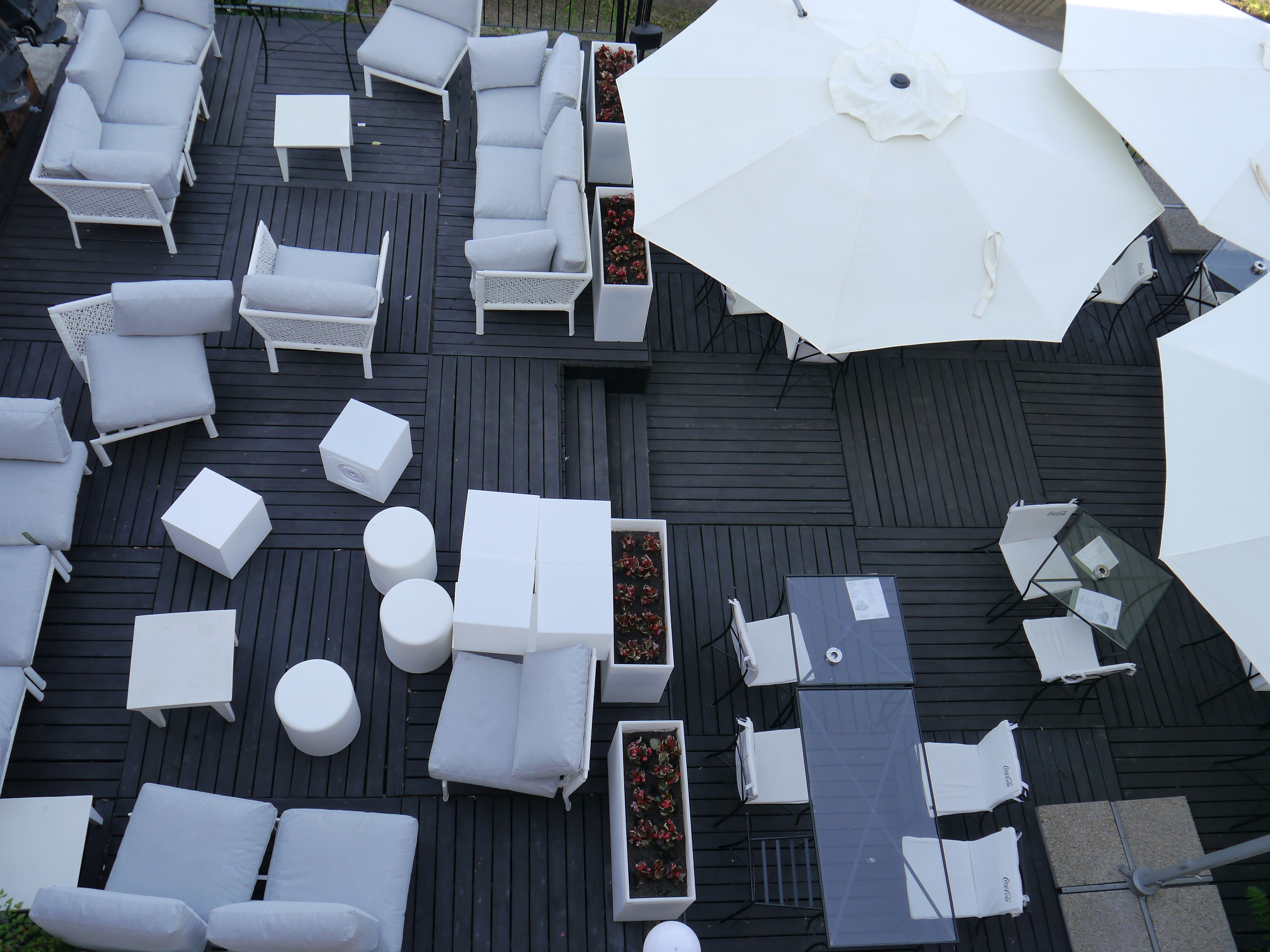
1/1000s · f/8 · ISO 160
200mm
Download Original

1/1300s · f/6.3 · ISO 160
600mm
Download Original
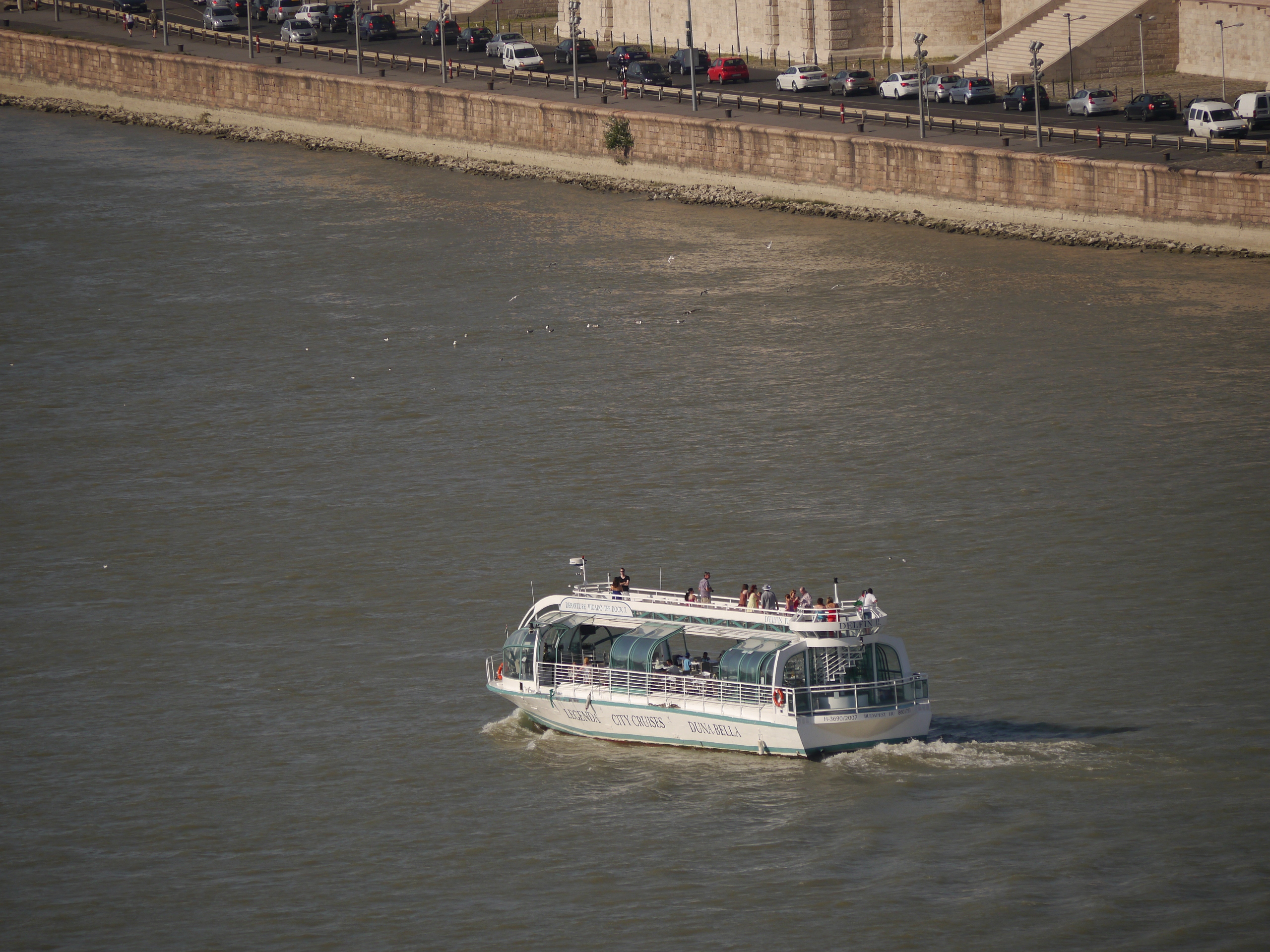
1/640s · f/7.1 · ISO 160
200mm
Download Original
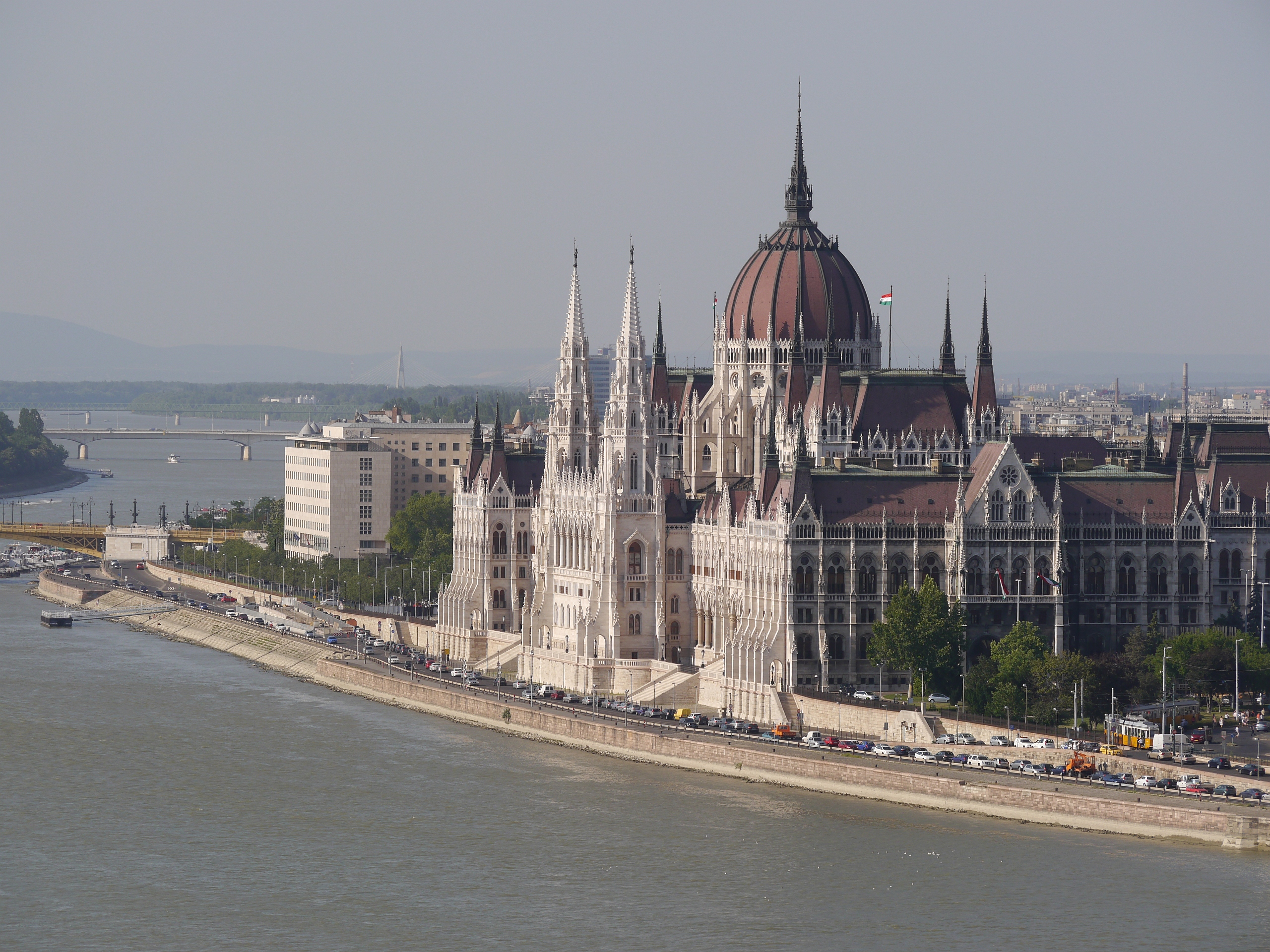
1/640s · f/7.1 · ISO 160
200mm
Download Original
1/1600s · f/7.1 · ISO 160
74mm
Download Original
1/800s · f/7.1 · ISO 160
28mm
Download Original

1/125s · f/5.6 · ISO 160
46mm
Download Original
1/500s · f/5.6 · ISO 160
84mm
Download Original
1/640s · f/5.6 · ISO 160
84mm
Download Original

1/80s · f/8 · ISO 320
84mm
Download Original
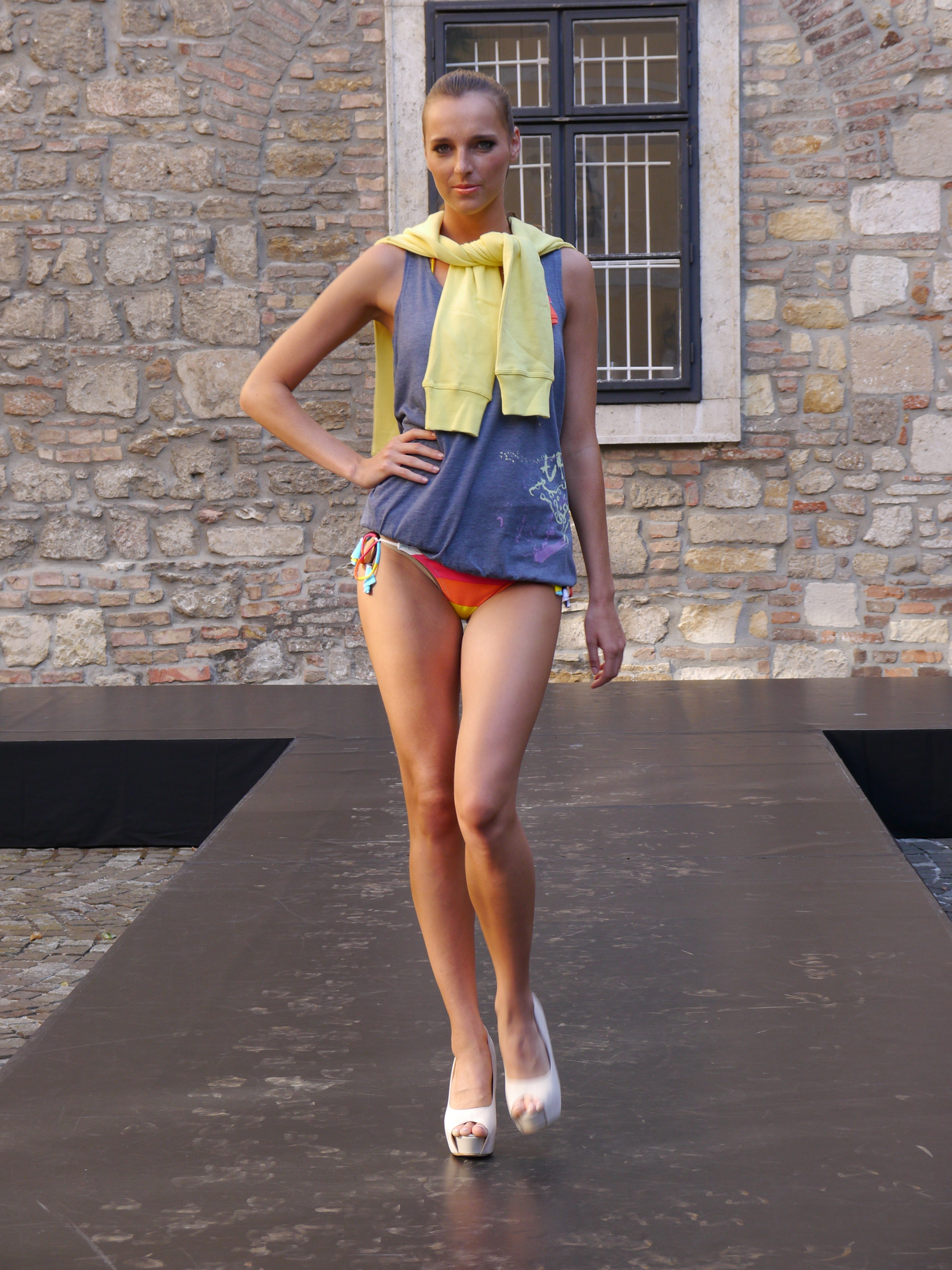
1/500s · f/5.2 · ISO 800
68mm
Download Original
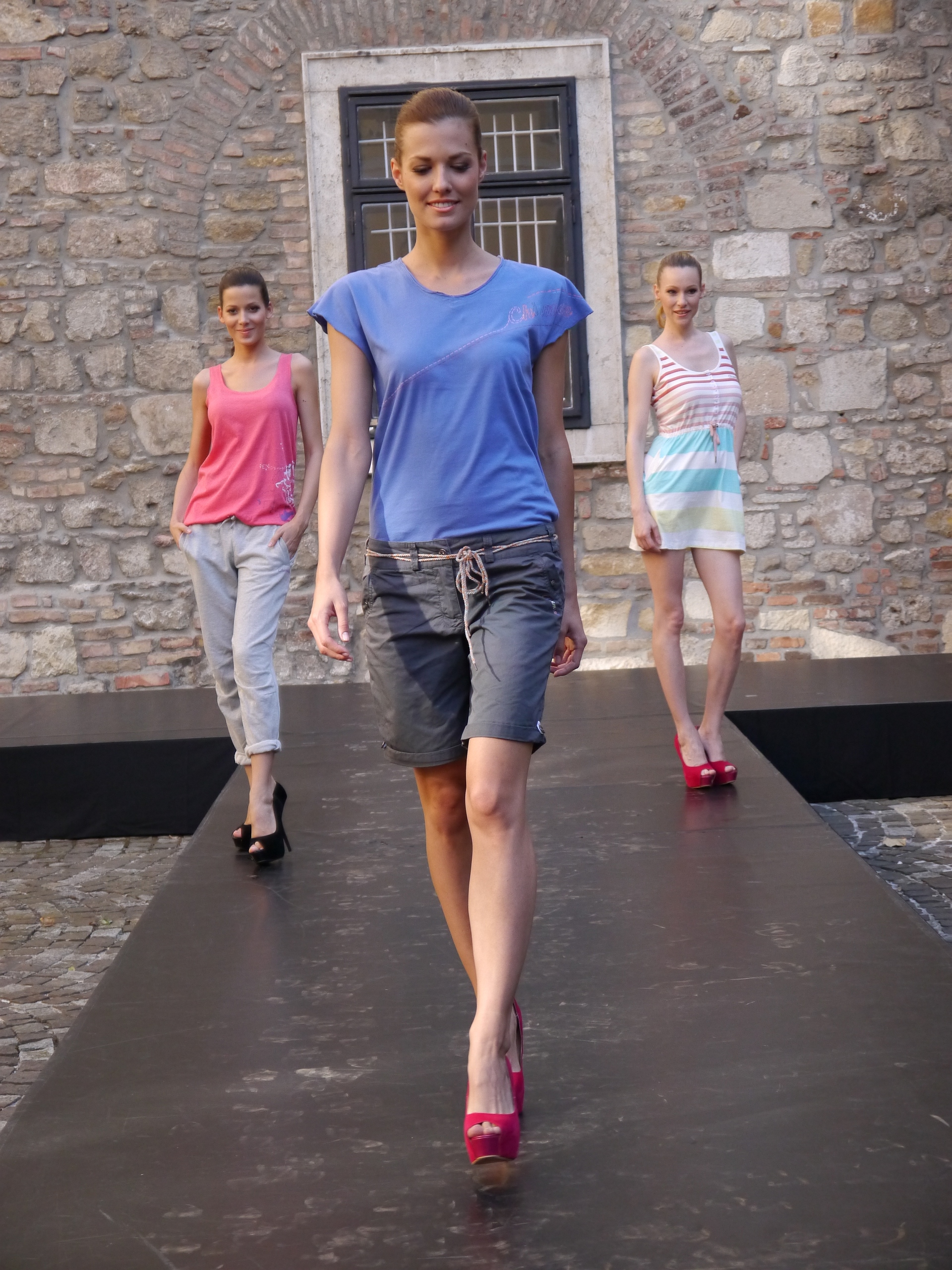
1/60s · f/5.6 · ISO 500
44mm
Download Original

1/640s · f/5.6 · ISO 1000
84mm
Download Original
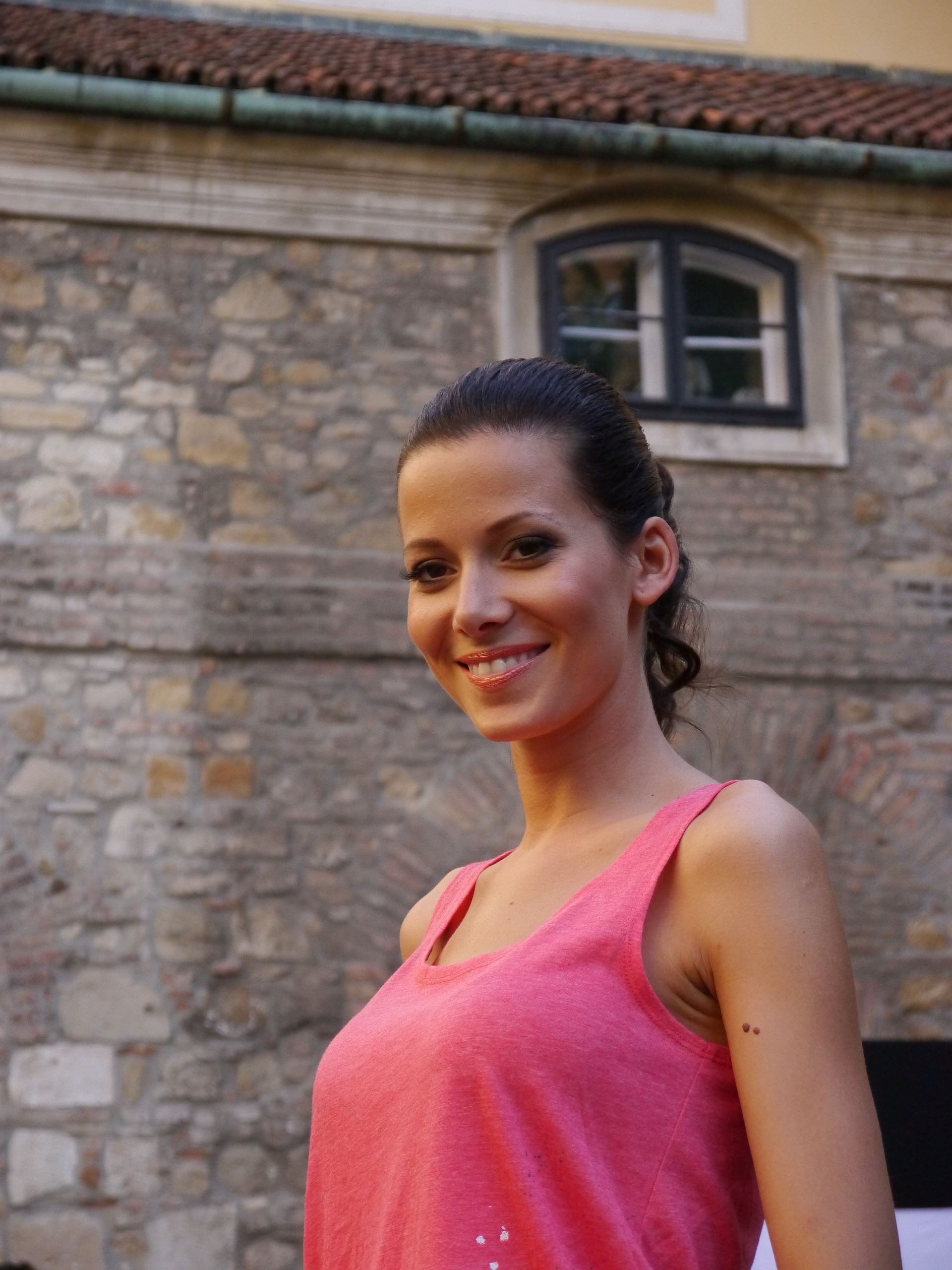
1/640s · f/5.6 · ISO 160
84mm
Download Original

1/320s · f/5.6 · ISO 160
84mm
Download Original

1/160s · f/5.6 · ISO 160
28mm
Download Original

1/250s · f/5.6 · ISO 160
28mm
Download Original

1/640s · f/7.1 · ISO 160
78mm
Download Original
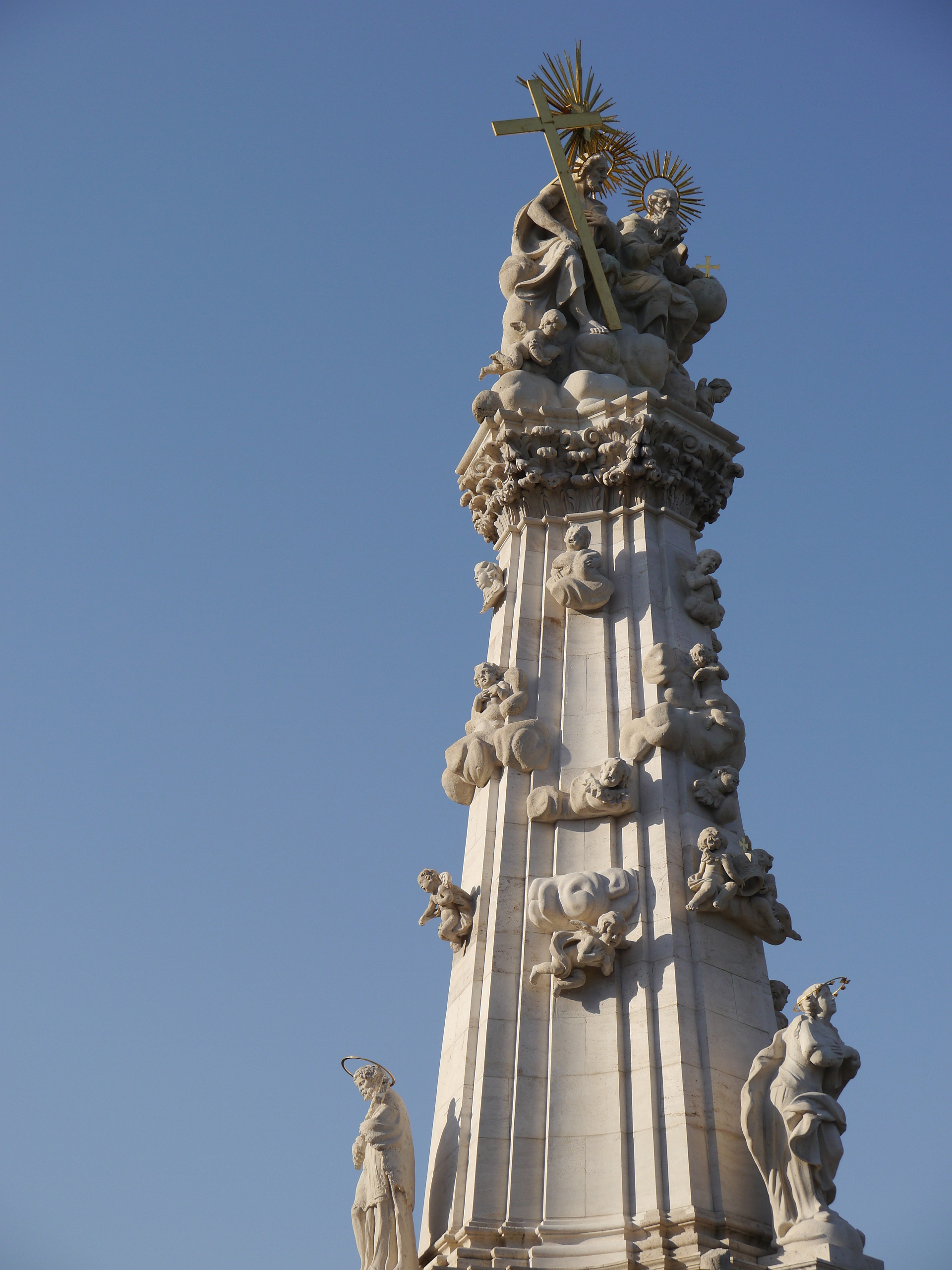
1/800s · f/7.1 · ISO 160
32mm
Download Original
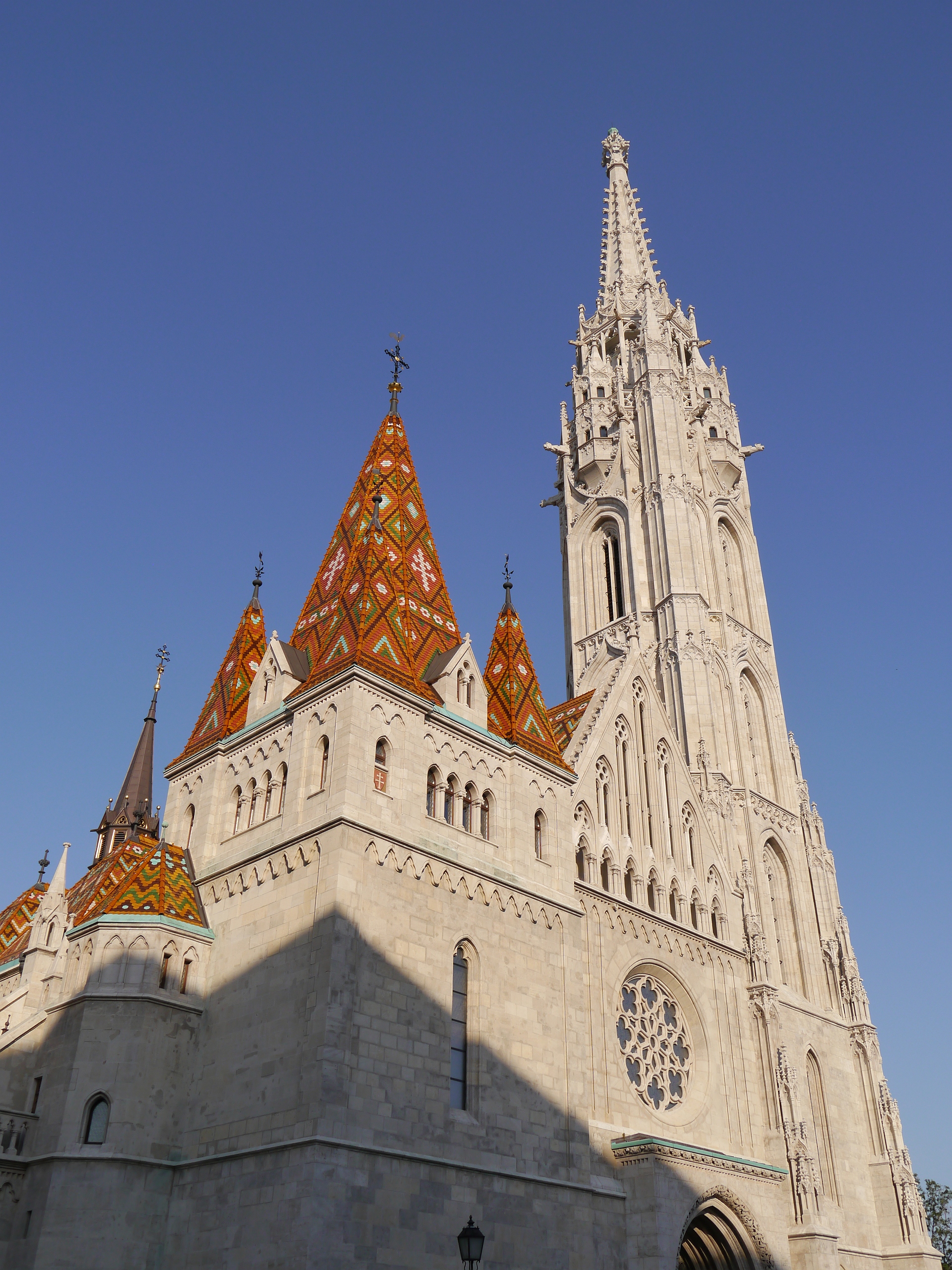
1/1000s · f/7.1 · ISO 160
50mm
Download Original
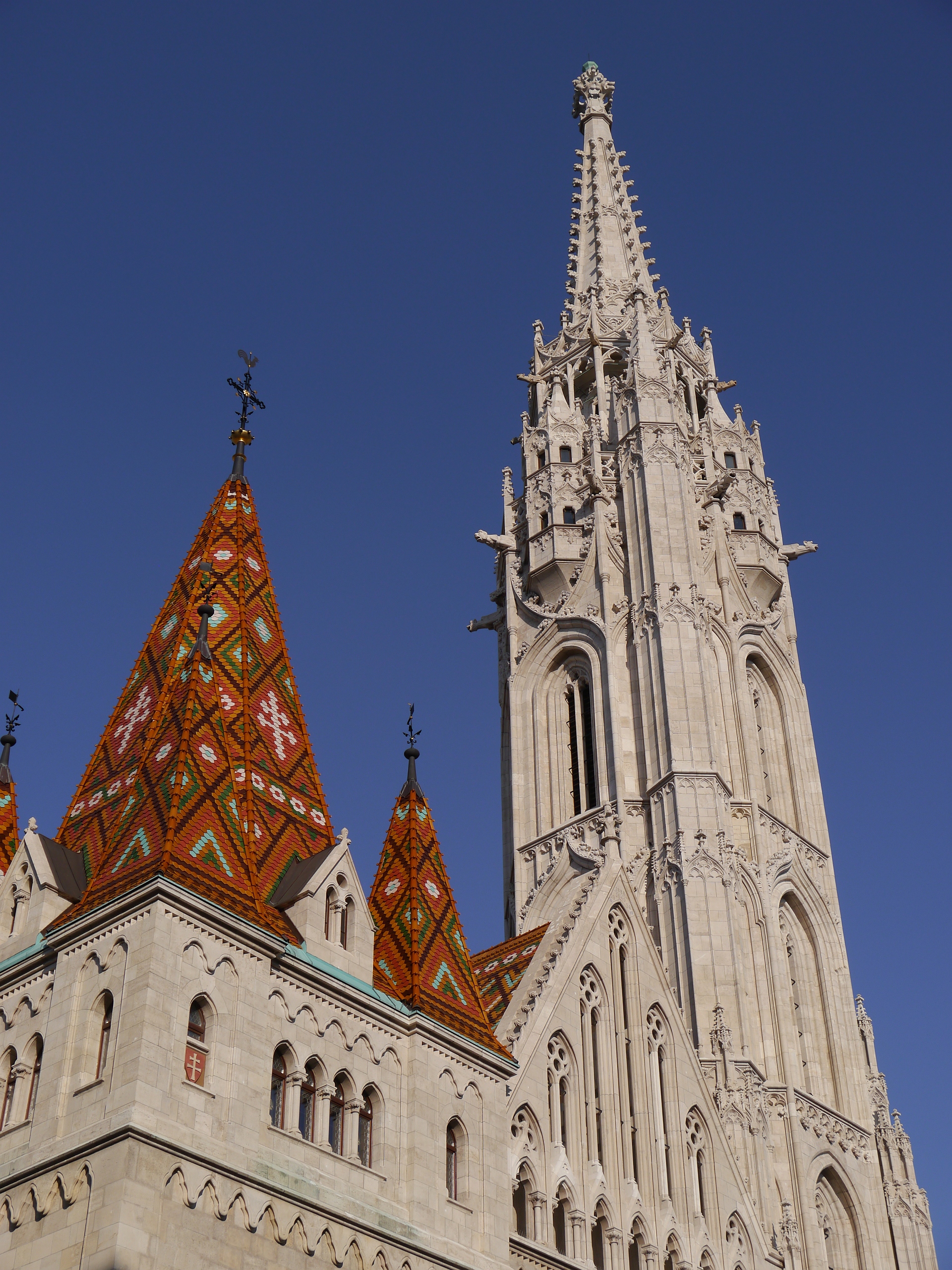
1/25s · f/5.6 · ISO 12800
40mm
Download Original
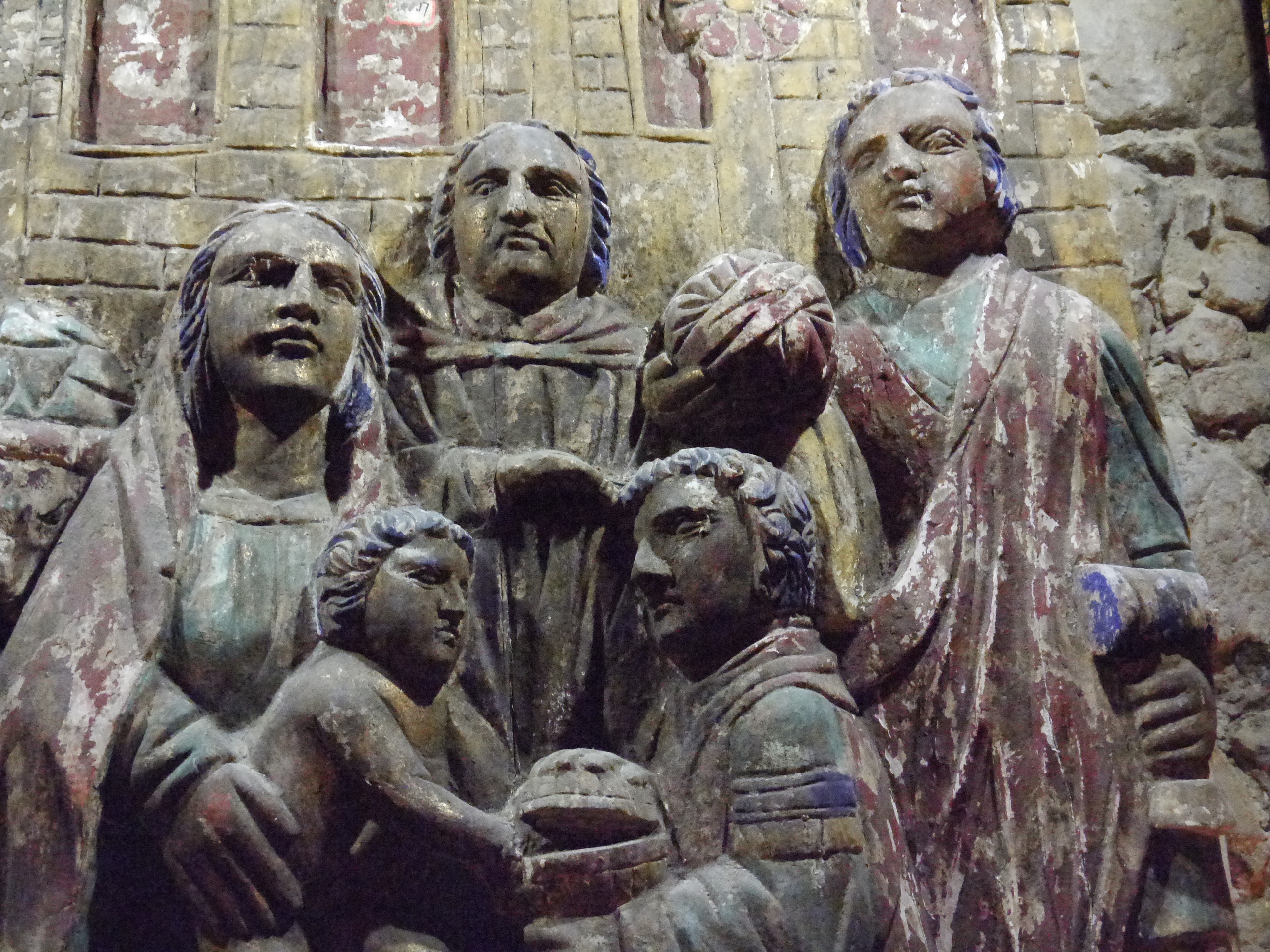
1/80s · f/11 · ISO 160
28mm
Download Original
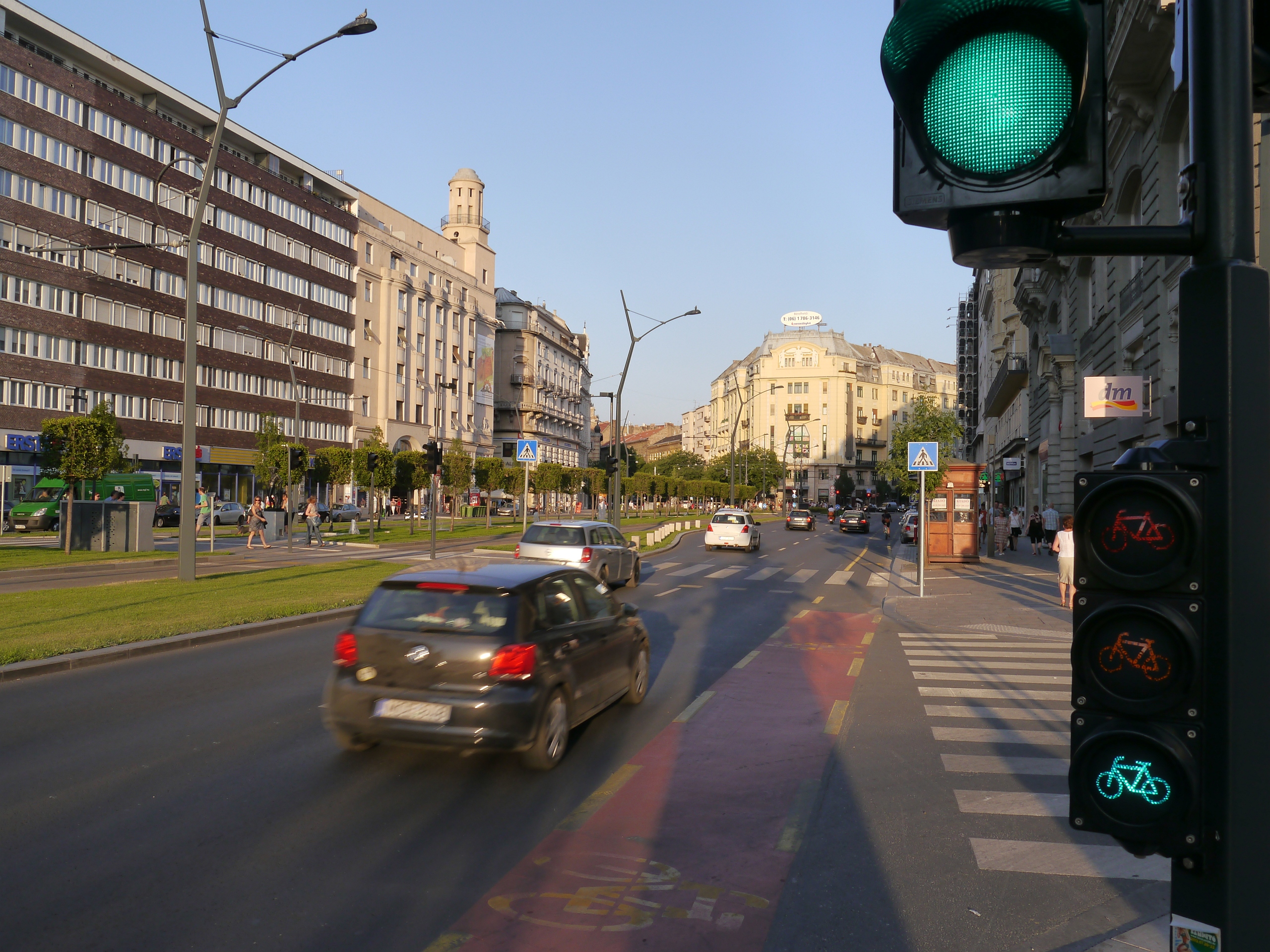
1/20s · f/3.9 · ISO 3200
28mm
Download Original


Sample RAW Images
The Panasonic Lumix G5 enables users to capture RAW and JPEG format files. We've provided some Panasonic RAW (RW2) samples for you to download (thumbnail images shown below are not 100% representative).
1/25s · f/5.6 · ISO 160
28mm
Download original
1/30s · f/5.6 · ISO 200
28mm
Download original
1/60s · f/5.6 · ISO 400
28mm
Download original
1/125s · f/5.6 · ISO 800
28mm
Download original
1/250s · f/5.6 · ISO 1600
28mm
Download original
1/500s · f/5.6 · ISO 3200
28mm
Download original
1/1000s · f/5.6 · ISO 6400
28mm
Download original
1/2000s · f/5.6 · ISO 12800
28mm
Download original
1/800s · f/8 · ISO 400
84mm
Download original
1/400s · f/5.6 · ISO 1600
28mm
Download original
1/125s · f/5.6 · ISO 3200
54mm
Download original
1/80s · f/5.6 · ISO 200
84mm
Download original
1/200s · f/11 · ISO 160
28mm
Download original
1/400s · f/8 · ISO 160
84mm
Download original
1/1600s · f/7.1 · ISO 160
28mm
Download original
1/1300s · f/4.6 · ISO 6400
28mm
Download original
1/1000s · f/4.6 · ISO 12800
28mm
Download original
1/160s · f/11 · ISO 400
72mm
Download original
1/125s · f/8 · ISO 800
44mm
Download original
1/400s · f/8 · ISO 800
28mm
Download original
Sample Movie & Video
This is a sample movie at the quality setting of 1920x1280 at 50 frames per second. Please note that this 20 second movie is 70Mb in size.
Product Images
|
|
Front of the Camera |
|
|
Front of the Camera |
|
|
Front of the Camera / Pop-up Flash |
|
|
Isometric View |
|
|
Isometric View |
|
|
Isometric View |
|
|
Isometric View |
|
|
Rear of the Camera |
|
|
Rear of the Camera |
|
|
|
|
Rear of the Camera / Image Displayed |
|
|
Rear of the Camera / Turned On |
|
|
Rear of the Camera / Main Menu |
|
|
Rear of the Camera / Main Menu |
|
|
Rear of the Camera / Quick Menu |
|
|
Rear of the Camera / Touchscreen Interface |
|
|
Swivelling LCD Screen |
|
|
Swivelling LCD Screen |
|
|
Swivelling LCD Screen |
|
|
Top of the Camera |
|
|
Bottom of the Camera |
|
|
Side of the Camera |
|
|
Side of the Camera |
|
|
Front of the Camera |
|
|
Front of the Camera |
|
|
Memory Card Slot |
|
|
Battery Compartment |
Conclusion
The Panasonic Lumix G5 is an accomplished mirrorless camera that upgrades its excellent predecessor in a number of significant ways in order to keep up with the fast-moving competition. A higher price tag means that it's not quite the bargain that the G3 was, but we can still highly recommend this realistic alternative to a bigger and bulkier DSLR.
With a bigger handgrip the G5 isn't quite as small as the G3, but we prefer the extra ease-of-use and the repositioned shutter button. It's also still remarkably comparable in size to the company's original GF1 mirrorless camera, which didn't have either a built-in viewfinder or fold-out LCD screen, a real testament to the progress that Panasonic have made with its Lumix G range. We also really like the G5's higher resolution LCD screen faster burst shooting, eye proximity sensor, level gauge, although we can take or leave the curious function lever.
Image quality is on a par with the G3, with noise not rearing its ugly head until ISO 1600. DSLR users probably won't be impressed by this feat, but in the world of Micro Four Thirds it's crucially as good as the competition. We wouldn't bother using the new headline-grabbing 12,800 speed though.
The G5's touch-sensitive screen and increased number of external controls, many customisable to suit your way of working, combine to create a hybrid interface that genuinely speeds up the camera's operation, while the free-angle, rotating LCD and high-resolution electronic view-finder are still pretty rare to find together on a compact system camera. Completing the G5's impressive bag of tricks are the super-fast auto-focusing system, 6fps burst shooting, improved 1080/50p Full HD video mode, the silent electronic shutter and a bigger range of creative filter effects.
In summary the new G5 is more of a natural evolution rather than a radical departure from the still available G3, but that's actually a compliment rather than a criticism. One of our favourite compact system cameras from 2011 may have become more expensive, but it's also more accomplished than its predecessor, making the new Panasonic Lumix G5 one of the best DSLR pretenders and one of the best mirrorless cameras on the market.
| Ratings (out of 5) | |
|---|---|
| Design | 4.5 |
| Features | 5 |
| Ease-of-use | 4.5 |
| Image quality | 4.5 |
| Value for money | 4.5 |
Review Roundup
Reviews of the Panasonic Lumix G5 from around the web.
ephotozine.com »
The Panasonic Lumix G5 is the latest camera from Panasonic, and is the update to last year's Panasonic Lumix G3 and is tested with the compact Lumix G Vario X 14-42mm power zoom lens. Panasonic say that their cameras shouldn't be called mirrorless or compact system cameras (CSCs), but should instead be called Digital Single Lens Mirrorless (DSLM) cameras. Whether this will take off or not is another matter, but they are keen to point out that they believe this a match for Digital SLRs.
Read the full review »
neocamera.com »
The Panasonic Lumix DMC-G5 is a compact Micro Four-Thirds mirrorless camera from Panasonic. It is designed to provide the versatility of ILCs and high image-quality in a small size. A 16 megapixels LiveMOS sensor capable of ISO 200 to 12800 and full 1080p HD 60 FPS video is at its center.
Read the full review »
Specifications
TYPE |
|
|---|---|
| Type | Digital Single Lens Mirrorless camera |
| Recording media | SD memory card, SDHC memory card, SDXC memory card (Compatible with UHS-I standard SDHC/SDXC memory cards) |
| Image sensor size | 17.3 x 13.0 mm (in 4:3 aspect ratio) |
| Lens Mount | Micro Four Thirds mount |
IMAGE SENSOR |
|
|---|---|
| Type | Live MOS Sensor |
| Total pixels | 18.31 Megapixels |
| Camera effective pixels | 16.05 Megapixels |
| Colour filter | Primary color filter |
| Dust reduction system | Supersonic wave filter |
RECORDING SYSTEM |
|
|---|---|
| Recording file format | Still Image: JPEG(DCF, Exif 2.3), RAW, / MPO (When attaching 3D lens in Micro Four Thirds standard) / Motion Image: AVCHD (Audio format: Dolby Digital 2ch) / / MP4 (Audio format AAC 2ch) |
| Aspect ratio | 4:3, 3:2, 16:9, 1:1 |
| Image quality | RAW, RAW+Fine, RAW+Standard, Fine, Standard, / MPO+Fine, MPO+Standard (with 3D lens in Micro Four Thirds System standard) |
| Color Space | sRGB, Adobe RGB |
| File size(Pixels) | |
| Still Image | [4:3] 4608x3456(L) / 3264x2448(M) / 2336x1752(S) / 1824x1368(When attaching 3D lens in Micro Four Third System standard) / [3:2] 4608x3072(L) / 3264x2176(M) / 2336x1560(S) / 1824x1216(When attaching 3D lens in Micro Four Third System standard) / [16:9] 4608x2592(L) / 3264x1840(M) / 1920x1080(S) / 1824x1024(When attaching 3D lens in Micro Four Third System standard) / [1:1] 3456x3456(L) / 2448x2448(M) / 1744x1744(S) / 1712x1712(When attaching 3D lens in Micro Four Third System standard) |
| Motion Image (MP4*1 : NTSC) | [Full HD]1920×1080, 30fps (sensor output is 30p) / [HD]1280x720, 30fps (sensor output is 30p) / [VGA] 640x480, 30fps (sensor output is 30p) |
| Motion Image (MP4*1 : PAL) | [Full HD] 1920×1080, 25fps (sensor output is 25p) / [HD] 1280x720, 25fps (sensor output is 25p) / [VGA] 640x480, 25fps (sensor output is 25p) |
| Continuous recordable time (Motion images)*3 | AVCHD with picture quality set to [FSH]: Approx. 150 min with H-PS14042 / AVCHD with picture quality set to [FSH]: Approx. 140 min with H-FS014042 / AVCHD with picture quality set to [FSH]: Approx. 150 min with H-FS45150 |
| Motion Image (AVCHD*1 : NTSC) | [Full HD] 1920x1080, 60p (sensor output is 60p) (PSH: 28Mbps)*2 / [Full HD] 1920×1080, 60i (sensor output is 60p) (FSH: 17Mbps) / [Full HD] 1920x1080, 30p (sensor output is 60p) (FPH: 17Mbps) / [HD] 1280 x 720, 60p (sensor output is 60p)?SH: 17Mbps) |
| Motion Image (AVCND*1 : PAL) | [Full HD] 1920×1080, 50p (sensor output is 50p) (PSH : 28Mbps)*2 / [Full HD] 1920x1080, 50i (sensor output is 50p) (FSH : 17Mbps) / [Full HD] 1920x1080, 25p (sensor output is 50p) (FPH: 17Mbps) / [HD] 1280 x 720, 50p (sensor output is 25p)?SH:17Mbps) |
| Actual recordable time (Motion images) | AVCHD with picture quality set to [FSH]: Approx. 75 min with H-PS14042 / AVCHD with picture quality set to [FSH]: Approx. 70 min with H-FS014042 / AVCHD with picture quality set to [FSH]: Approx. 75 min with H-FS45150 |
VIEWFINDER |
|
|---|---|
| Type | Live View Finder (1,440,000 dots equivalent) |
| Field of view | Approx. 100% |
| Magnification | Approx. 1.4x / 0.7x (35mm camera equivalent) with 50mm lens at infinity; -1.0 m -1 |
| Eye point | Approx.17.5mm from eyepiece lens |
| Diopter adjustment | -4.0~+4.0?dpt? |
| Eye sensor | Yes |
| Eye sensor adjustment | High / Low |
FOCUS |
|
|---|---|
| Type | Contrast AF system |
| Focus mode | AFS (Single) / AFF (Flexible) / AFC (Continuous) / MF |
| AF mode | Face detection / AF Tracking / 23-area-focusing / 1-area-focusing / Pinpoint |
| AF detective range | EV 0 - 18 (ISO100 equivalent) |
| AF assist lamp | YES |
| AF lock | Set the Fn button in custom menu to AF lock |
| Others | Quick AF, Continuous AF (during motion image recording), AF+MF, Eye Sensor AF, Touch AF, Touch Pad AF, Touch shutter, Touch MF Assist, |
EXPOSURE CONTROL |
|
|---|---|
| Light metering system | 144-zone multi-pattern sensing system |
| Light metering mode | Intelligent Multiple / Center Weighted / Spot |
| Metering range | EV 0 - 18 (F2.0 lens, ISO100 equivalent) |
| Exposure mode | Program AE, Aperture Priority AE, Shutter Priority AE, Manual, |
| ISO sensitivity (Standard Output Sensitivity) | Auto / Intelligent ISO / 160 / 200 / 400 / 800 / 1600 / 3200 / 6400 / 12800 / (Changeable to 1/3 EV step) |
| Exposure compensation | 1/3EV Step ±5EV |
| AE lock | Set the Fn button in custom menu to AE lock |
| AE bracket | 3,5,7 frame, in 1/3 or 2/3 or 1EV Step, ±3 EV |
WHITE BALANCE |
|
|---|---|
| White balance | Auto / Daylight / Cloudy / Shade / Incandescent / Flash / White Set 1, 2 / Color temperature setting |
| White balance adjustment | Blue/amber bias, Magenta/green bias |
| Color temperature setting | 2500-10000K in 100K |
| White balance bracket | 3 exposures in blue/ amber axis or in magenta/ green axis |
SHUTTER |
|
|---|---|
| Type | Focal-plane shutter |
| Shutter speed | Still Images: Bulb (Max.120), 1/4000 ~ 60 / Motion image: 1/16000 ~ 1/30 (NTSC), 1/16000 ~ 1/25 (PAL) |
| Self timer | 10sec, 3 images/ 2sec / 10sec |
BURST SHOOTING |
|
|---|---|
| Burst speed | SH : 20.0 frames/sec, H: 6.0 frames/sec(with AFS), M: 3.7 frames/sec (with Live View), L: 2.0 frames/sec (with Live View)? |
| Number of recordable images | 9 images (when there are RAW files with the particular speed) / Unlimited consecutive shooting (when there are no RAW files) / (depending on memory card size, battery power, picture size, and compression) |
SCENE GUIDE |
|
|---|---|
| Still image | Clear Portrait / Silky Skin / Backlit Softness / Clear in Backlight / Relaxing Tone / Sweet Child's Face / Distinct Scenery / Bright Blue Sky / Romantic Sunset Glow / Vivid Sunset Glow / Glistening Water / Clear Nightscape / Cool Night Sky / / Warm Glowing Nightscape / Artistic Nightscape / Glittering Illuminations / Clear Night Portrait / Soft Image of a Flower / Appetizing Food / Cute Dessert / Freeze Animal Motion / Clear Sports Shot / Monochrome |
| Video | Clear Portrait / Silky Skin / Backlit Softness / Clear in Backlight / Relaxing Tone / Sweet Child's Face / Distinct Scenery / Bright Blue Sky / Romantic Sunset Glow / Vivid Sunset Glow / Clear Nightscape / Cool Night Sky / / Warm Glowing Nightscape / Artistic Nightscape / Clear Night Portrait / Appetizing Food / Cute Dessert / Freeze Animal Motion / Clear Sports Shot / Monochrome |
BUILT-IN-FLASH |
|
|---|---|
| Type | TTL Built-in-Flash, GN10.5 equivalent (ISO 160 ?m), Built-in Pop-up |
| Flash Mode | Auto, Auto/Red-eye Reduction, Forced On, Forced On/Red-eye Reduction, / Slow Sync., Slow Sync./Red-eye Reduction, Forced Off |
| Synchronization speed | Less than 1/160 second |
| Flash synchronization | 1st. Curtain Sync, 2nd Curtain Sync. |
LCD MONITOR |
|
|---|---|
| Type | TFT LCD with Touch panel |
| Monitor size | Free-angle 3.0inch (7.5cm)/ 3:2 Aspect / Wide-viewing angle |
| Pixels | 920K dots |
| Filed of view | Approx. 100% |
| Monitor adjustment | Brightness (7 levels), Contrast and Saturation (7 levels), Red tint (7 levels), Blue tint (7 levels) |
LIVE VIEW |
|
|---|---|
| Digital zoom | 2x, 4x |
| Extra Tele Conversion | Still image: Max.2x (Aspect ratio sets at 4:3. Not effective with L size recording. Magnification ratio depends on the recording pixels and aspect ratio.) / Motion image: 2.4x (PSH, FSH in AVCHD and FHD in MP4), 3.6x (SH in AVCHD and HD in MP4), 4.8x (VGA in MP4) |
| Other functions | Guide Lines (3 patterns) / Real-time Histogram |
LEVEL GAUGE |
|
|---|---|
| Level Gauge | Yes (Built-in 3 shaft accelerometer sensor) |
DIRECTION DETECTION FUNCTION |
|
|---|---|
| Direction Detection Function | Yes |
FUNCTION BUTTON |
|
|---|---|
| Fn1, Fn2, Fn3, Fn4, Fn5 | One Push AE / Preview / Level Gauge / Focus Area Set / Photo Style / Aspect Ratio / Picture Size / Quality / Focus Mode / Metering Mode / HDR / Flash / / Flash Adjust. / i.Resolution / i.Dynamic / Ex. Tele Conv / Digital Zoom / Electronic Shutter / Stabilizer / Motion Pic. Set / Picture Mode / Histogram / Guide Line / / Step Zoom / Zoom Speed / Rec Area / Sensitivity / White Balance / AF Mode / Drive Mode / Playback |
PLAYBACK |
|
|---|---|
| Playback mode | Normal playback, 30-thumbnail display, 12-thumbnail display, Calendar display, Zoomed playback (16x Max.), Slideshow (duration & effect is selectable), Playback Mode (Normal/Picture/Video/3D Play/Category/Favorite), / Title Edit, Text Stamp, Video Divide, Resize, Cropping, Rotate, Favorite, DPOF Print set, Protect, Face Recognition Edit |
IMAGE PROTECTION / ERASE |
|
|---|---|
| Protection | Single / Multi, Cancel |
| Erase | Single / Multi / All / Except Favorite |
FUNCTION LEVER |
|
|---|---|
| FUNCTION LEVER | Yes (AUTO/Zoom/EXP.) |
CREATIVE CONTROL |
|
|---|---|
| Still image | Expressive / Retro / High Key / Low Key / Sepia / Dynamic Monochrome / Impressive Art / High Dynamic / Cross Process / Toy Effect / Miniature Effect / Soft Focus / Star Filter / One Point Color |
| Video | Expressive / Retro / High Key / Low Key / Sepia / Dynamic Monochrome / Impressive Art / High Dynamic / Cross Process / Toy Effect / Miniature Effect / One Point Color |
|
|
|
|---|---|
| Direct Print | PictBridge compatible?Print size, Layout, Date setting are selectable ? |
INTERFACE |
|
|---|---|
| USB | USB 2.0 High Speed |
| HDMI | miniHDMI TypeC / Video: Auto / 1080p / 1080i / 480p / Audio: Stereo |
| Audio video output | Monaural Type, NTSC/PAL, NTSC only for North America / *Check the website of the Panasonic sales company in your country or region for details on the products that are available in your market. |
| Microphone | Stereo, Wind-cut: Off / Auto / Flicker reduction:[1/50] / [1/60] / [1/100] / [1/120] / OFF / Microphone level adjustable: Lv1 / Lv2 / Lv3 / Lv4 |
| Speaker | Monaural |
PHOTO STYLE |
|
|---|---|
| Still image and Video | Standard / Vivid / Natural / Monochrome / Scenery / Portrait / Custom |
LANGUAGE |
|
|---|---|
| OSD language | Japanese, English, German, French, Italian, Spanish(English) |
POWER |
|
|---|---|
| Battery | Li-ion Battery Pack (7.2V, 1200mAh) (Included) / Battery Charger |
| Battery life (CIPA standard) | Approx. 320 images with H-PS14042 |
Dimensions/ Weight |
|
|---|---|
| Dimensions (W x H x D) | 119.9 x 83.2 x 70.8 mm / 4.72 x 3.28 x 2.79 inch?(excluding protrusions) |
| Weight | Approx. 396g / 0.87 lb ?SD card, Battery, Body) / Approx. 346g / 0.76 lb ?Body only) / Approx. 491g / 1.08 lb ?SD card, Battery, H-PS14042 lens included? |
OPERATING ENVIRONMENT |
|
|---|---|
| Operating temperature | 0? to 40? (32°F to 104°F) |
| Operating humidity | 10% RH to 80? RH |
STANDARD ACCESSORIES |
|
|---|---|
| Software | PHOTOfunSTUDIO 8.2 PE / SILKYPIX® Developer Studio 3.1SE / LoiLoScope (trial version) / USB Driver |
| Standard accessories | Body, Body Cap, LUMIX G X VARIO PZ 14-42mm / F3.5-5.6 ASPH. / POWER O.I.S. (H-PS14042), / Lens Cap, Lens Rear Cap, Battery Charger, Battery Pack, USB Connection Cable, / Shoulder Strap, CD-ROM |
INTERCHANGEABLE LENS-1 |
|
|---|---|
| Lens Name | LUMIX G X VARIO PZ 14-42mm/F3.5-5.6 ASPH/POWER O.I.S |
| Lens Construction | 9 elements in 8 groups (4 aspherical lenses , 2 ED lens) |
| Nano Surface Coating | Yes |
| Mount | Micro Four Thirds mount |
| Optical Image Stabilizer | YES (POWER OIS) |
| Focal Length | f=14-42mm (35mm camera equivalent 28-84mm) |
| Aperture Type | 7 diaphragm blades / Circular aperture diaphragm |
| Aperture range | F3.5(Wide) - F5.6(TELE) |
| Minimum Aperture | F22 |
| Closest Focusing Distance | 0.2m / 0.66ft (14-20mm), 0.3m / 0.98ft (21-42mm) |
| Maximum magnification | Approx. 0.17x / 0.34x (35mm camera equivalent) |
| Diagonal Angle of View | 75°(Wide) to 29°(TELE) |
| General | |
| Filter Size | φ37mm / 1.5in |
| Max. Diameter | φ61mm / 2.4in |
| Overall Length | Approx. 26.8mm / 1.1in * |
| Weight [g] | Approx. 95g (excluding lens cap and lens rear cap) |
| Weight [oz] | Approx. 3.4oz (excluding lens cap and lens rear cap) |
| Others | Electric zoom lever, Manual focus lever |
Further Specifications |
|
|---|---|
| NOTE | *1 Use a card with SD Speed Class with "Class4" or higher / *2 Continuous recording exceeding 4GB or 29 min 59 sec is not possible when recording AVCHD in PSH. / *3 Videos can be recorded continuously for up to 29 min 59 sec in European PAL areas. Continuous recording exceeding 4GB or 29 min 59 sec is not possible when recording MP4. For Full HD in MP4, the recordable time will drop below 29 min 59 sec. |
Loading comments…