
Samsung NV7 Review
Review Date: November 22nd 2006
Leave a comment about this Review
|
Image Quality
All of the sample images in this Review were taken using the 7 megapixel Super Fine mode, which gives an average image size of around 3.5Mb.
Noise
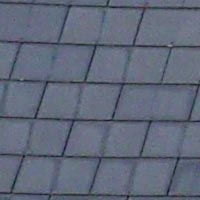
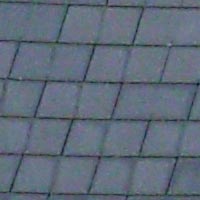
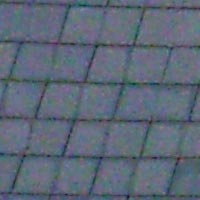
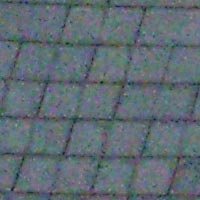
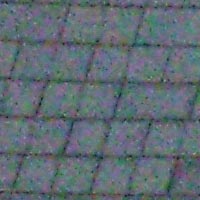
There are 5 ISO settings available on the Samsung NV7 which you can select at any time if the camera is in the normal shooting mode. Here are some 100% crops which show the noise levels for each ISO setting:
ISO 100 (100% crop) |
ISO 200 (100% crop) |
 |
 |
ISO 400 (100% crop) |
ISO 800 (100% crop) |
 |
 |
ISO 1000 (100% crop) |
|
 |
|
The Samsung NV7 is a very noisy camera, with some noise apparent even at the slowest setting of ISO 100. There is even more noise and colour artifacts at ISO 200, and by ISO 400 it is very obvious indeed. Both ISO 800 and ISO 1000 are virtually unusable.
Sharpening
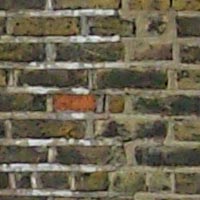
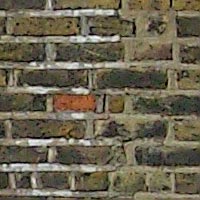
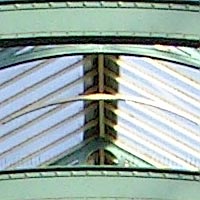
Here are two 100% crops which have been Saved as Web - Quality 50 in Photoshop. The right-hand image has had some sharpening applied in Photoshop. The out-of-the camera images are soft at the default sharpening setting of Normal. You can change the in-camera sharpening level to one of the preset levels (Soft, Normal or Vivid) if you don't like the default look.
Original
(100% Crop) |
Sharpened (100% Crop) |
 |
 |
 |
 |
File Quality
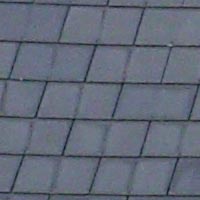
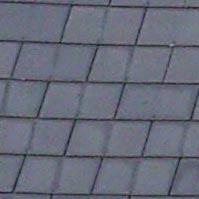
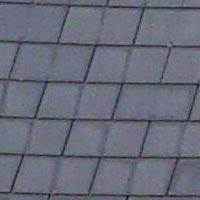
The Samsung NV7 has 3 different image quality settings available, with Super Fine being the highest quality option. Here are some 100% crops which show the quality of the various options, with the file size shown in brackets.
| 7M
Super Fine (3.35Mb) (100% Crop) |
7M
Fine (1.64Mb) (100% Crop) |
 |
 |
| 7M
Normal (1.14Mb) (100% Crop) |
|
 |
|
Chromatic Aberrations
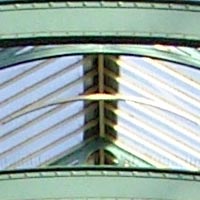
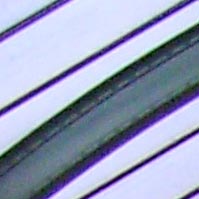
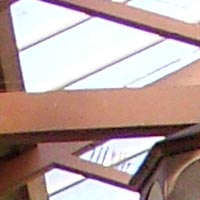
The Samsung NV7 dealt very well with chromatic aberrations during the review. Limited purple fringing was present around the edges of objects in high-contrast situations, particularly at the edges of the frame, as shown in the examples below.
| Example
1 (100% Crop) |
Example
2 (100% Crop) |
 |
 |
Macro
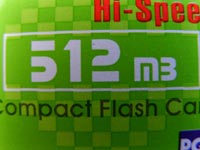
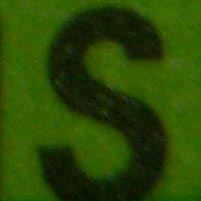
The Samsung NV7 offers a Super Macro setting that allows you to focus on a subject that is just 1cm away from the camera when the lens is set to wide-angle. The first image shows how close you can get to the subject (in this case a compact flash card). The second image is a 100% crop.
| Macro Shot |
Macro Shot (100% Crop) |
 |
 |
Flash
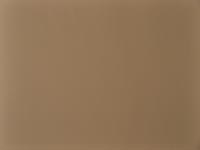
The flash settings on the Samsung NV7 are Auto, Red Eye, Fill In, Slow Sync and Off. These shots of a magnolia coloured wall were taken at a distance of 1.5m.
| Flash Off - Wide Angle (38mm) |
Auto Flash - Wide Angle (38mm) |
 |
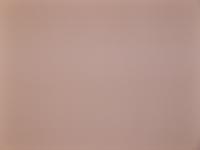 |
| Flash Off - Telephoto (270mm) |
Auto Flash - Telephoto (270mm) |
 |
 |
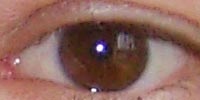
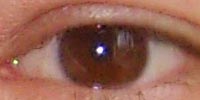
And here are some shots of yours truly. As you can see, both the Auto setting and the Red Eye option caused a tiny amount of red-eye.
| Auto |
Auto (100% Crop) |
 |
 |
| Flash - Red-Eye Reduction |
Flash - Red-Eye Reduction (100% Crop) |
 |
 |
Night Shot
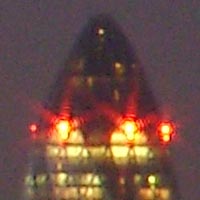
The Samsung NV7's maximum shutter speed is 15 seconds, which is good news if you're seriously interested in night photography. The shot below was taken using a shutter speed of 10 seconds, aperture of f/10.1 at ISO 100. I've included a 100% crop of the image to show what the quality is like, which as you can see is quite noisy.
| Night Shot |
Night Shot (100% Crop) |
 |
 |
Optical Image Stabilisation
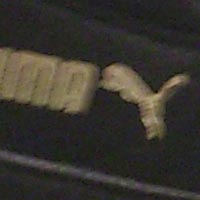
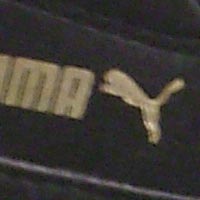
The Samsung NV7 has an optical image stabilisation system, which allows you to take sharp photos at slower shutter speeds than other digital cameras. To test this, I took 2 handheld shots of the same subject with the lens set to the same focal length, with the ISO speed set to 100. The first shot was taken with optical image stabilisation turned off, the second with it turned on. Here is a 100% crop of the image to show the results.
As you can see, with anti shake turned on, the images are much sharper than with anti shake turned off. This feature really does seem to make a difference and could mean capturing a successful, sharp shot or missing the opportunity altogether. Note that optical image stabilisation is set to off whenever the camera is powered on (which cannot be changed), an annoying design choice given the usefulness of this feature.
| Anti Shake Off (100% crop) |
Anti Shake On (100% crop) |
 |
 |
| 1/8th, f4.4, ISO 100 | 1/8th, f4.4, ISO 100 |
 |
 |
| 1/6th, f4.4, ISO 100 | 1/6th, f4.4, ISO 100 |
Advanced Shake Reduction
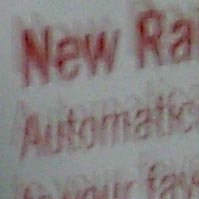
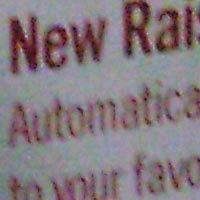
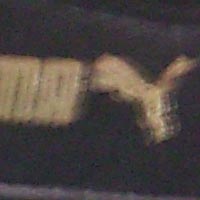
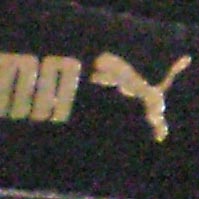
The Samsung NV7 also has an Advanced Shake Reduction shooting mode, which again allows you to take sharp photos at slower shutter speeds than other digital cameras. To test this, I took 2 handheld shots of the same subject with the lens set to the same focal length, with the ISO speed set to 100. The first shot was taken with the camera set to Program mode, the second with it set to the ASR mode. Here is a 100% crop of the image to show the results.
As you can see, with Advanced Shake Reduction on, the images are definitely sharper than with it turned off. The Samsung NV7 appears to increase the ISO speed if neccessary and perform some extra in-camera processing (it takes a few seconds for the image to be processed). However, I found that it only ever increased the ISO to 200, even when the shutter speed was greater than 1 second, resulting in blurred results. Also, if you are more experienced, you will know how and when to change the ISO speed yourself to compensate for poor lighting. Therefore the Advanced Shake Reduction mode seems to be targetted more at beginners, and is only genuinely useful in certain situations.
| Anti Shake Off (100% Crop) |
Anti Shake On (100% Crop) |
 |
 |
| 0.6 sec, f/2.8, ISO 100 | 0.3 sec, f/2.8, ISO 200 |
 |
 |
| 1 sec, f/2.8, ISO 100 | 0.5 sec, f/2.8, ISO 200 |
Overall Image Quality
The Samsung NV7's image quality is below average. The Samsung NV7 handled chromatic aberrations well, with only limited purple fringing effects appearing in very high contrast situations. The 7 megapixel images were on the soft side straight out of the camera at the default setting of Normal, but you can increase the in-camera sharpening level if you wish. The night photograph was OK, with the maximum shutter speed of 15 seconds allowing you to capture enough light for most situations, but the resulting images were quite noisy. Macro performance is excellent, allowing you to focus as close as 1cm away from the subject at the wide-angle lens setting in the super-macro mode. The pop-up flash unit worked well indoors, with a tiny amount of red-eye and good overall exposure. The Advanced Shake Reduction shooting mode unfortunately seems to be little more than an automated way of increasing the ISO speed, but the true optical image stabilisation system worked very well, allowing you to hand-hold the camera at slower shutter speeds than normal. The Samsung NV7's main drawback in terms of image quality is noise, with even the slowest speed of ISO 100 showing some noise, particularly in shadow areas. The noise gets progressively worse as you go from ISO 100 to ISO 400 and finally the virtually unusable ISO 800 and 1000 settings.
|
 PhotographyBLOG
is a member of the DIWA
organisation. Our test results for the Samsung NV7 have been
submitted to DIWA
for comparison with test results for different samples of
the same camera model supplied by other DIWA
member sites.
PhotographyBLOG
is a member of the DIWA
organisation. Our test results for the Samsung NV7 have been
submitted to DIWA
for comparison with test results for different samples of
the same camera model supplied by other DIWA
member sites.