
Kodak Easyshare V610 Review
Review Date: May 10th 2006
Leave a Comment about this Review
|
Image Quality
All of the sample images in this Review were taken using the 6M quality mode, which gives an average image size of around 1Mb - 2.5Mb.
Noise
There are 5 ISO settings available on the Kodak Easyshare V610 which you can select at any time if the camera is in the Auto shooting mode. Here are some 100% crops which show the noise levels for each ISO setting:
ISO 64 (100% crop) |
ISO 100 (100% crop) |
 |
 |
ISO 200 (100% crop) |
ISO 400 (100% crop) |
 |
 |
ISO 800 (100% crop) |
|
 |
|
The slowest settings of ISO 64 and 100 don't have any noise, although there is a slight softening of detail in the ISO 100 image. ISO 200 shows obvious noise along with a further loss of detail. At ISO 400 image quality has deterioated considerably, with even more noise and blurred detail. ISO 800 is so bad that it's best avoided at all costs.
Sharpening
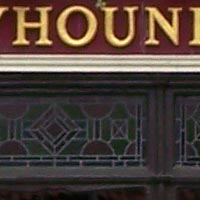
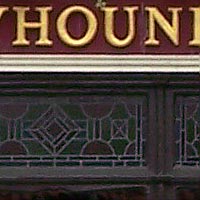
Here are two 100% crops which have been Saved as Web - Quality 50 in Photoshop. The right-hand image has had some sharpening applied in Photoshop. The out-of-the camera images are a little soft at the default sharpening setting of Normal and benefit from some further sharpening in a program like Adobe Photoshop. Alternatively you can change the in-camera sharpening level to High, Normal or Low to suit your taste.
Original
100% Crop |
Sharpened 100% Crop |
 |
 |
 |
 |
Chromatic Aberrations
The Kodak Easyshare V610 handled chromatic aberrations very well during the review, with only limited purple fringing present around the edges of objects in certain high-contrast situations.
| Example
1 (100% crop) |
Example
2 (100% crop) |
 |
 |
Out-of-Focus Corners
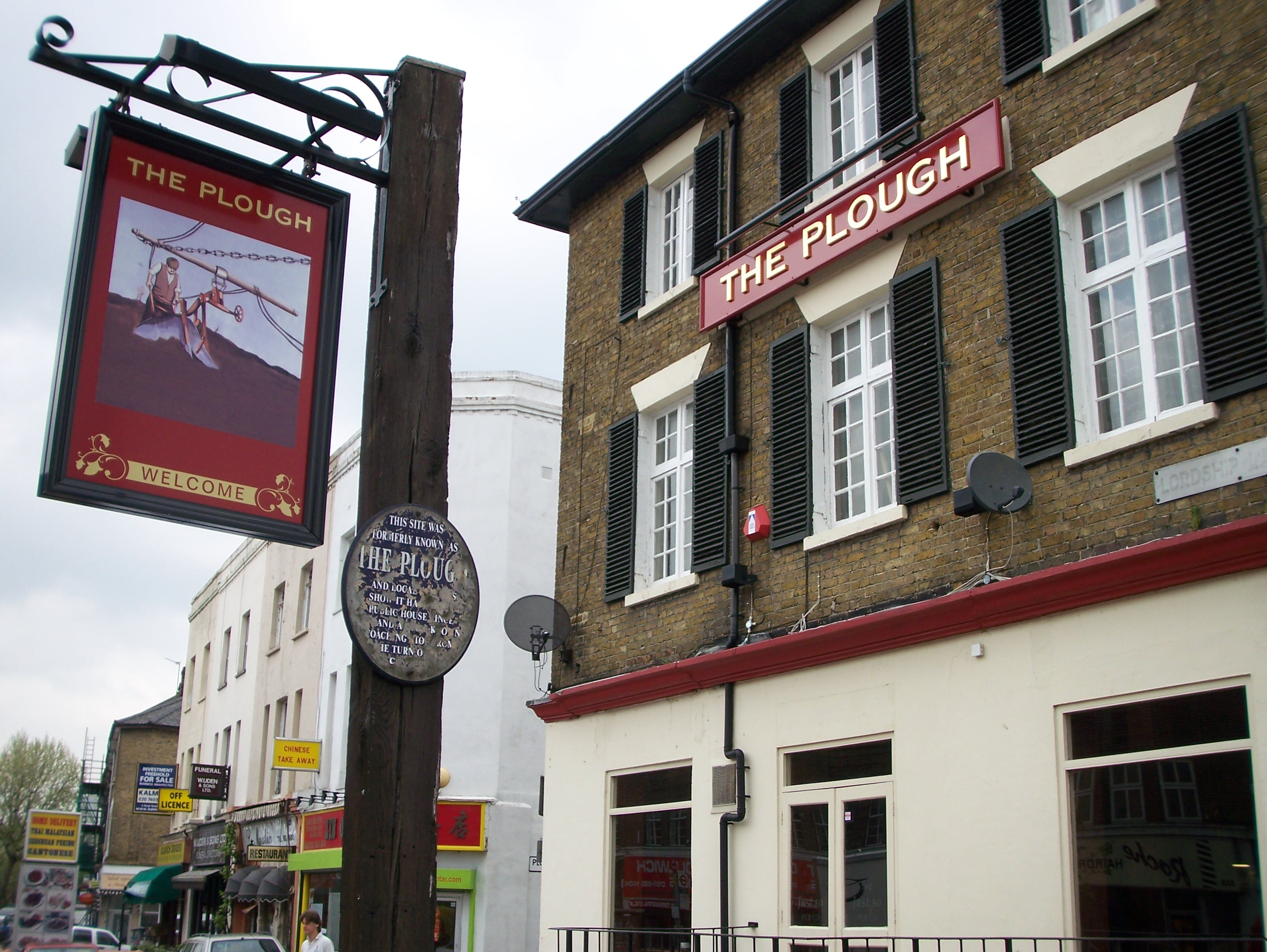
The corners of images taken at the wide-angle lens settings were slightly out-of-focus in a number of test shots - here's an example taken at the 38mm focal length.
| Original (click to view full-sized image) |
Centre (100% crop) |
 |
 |
| Bottom Left Corner (100% crop) | Top Left Corner (100% crop) |
 |
 |
Macro
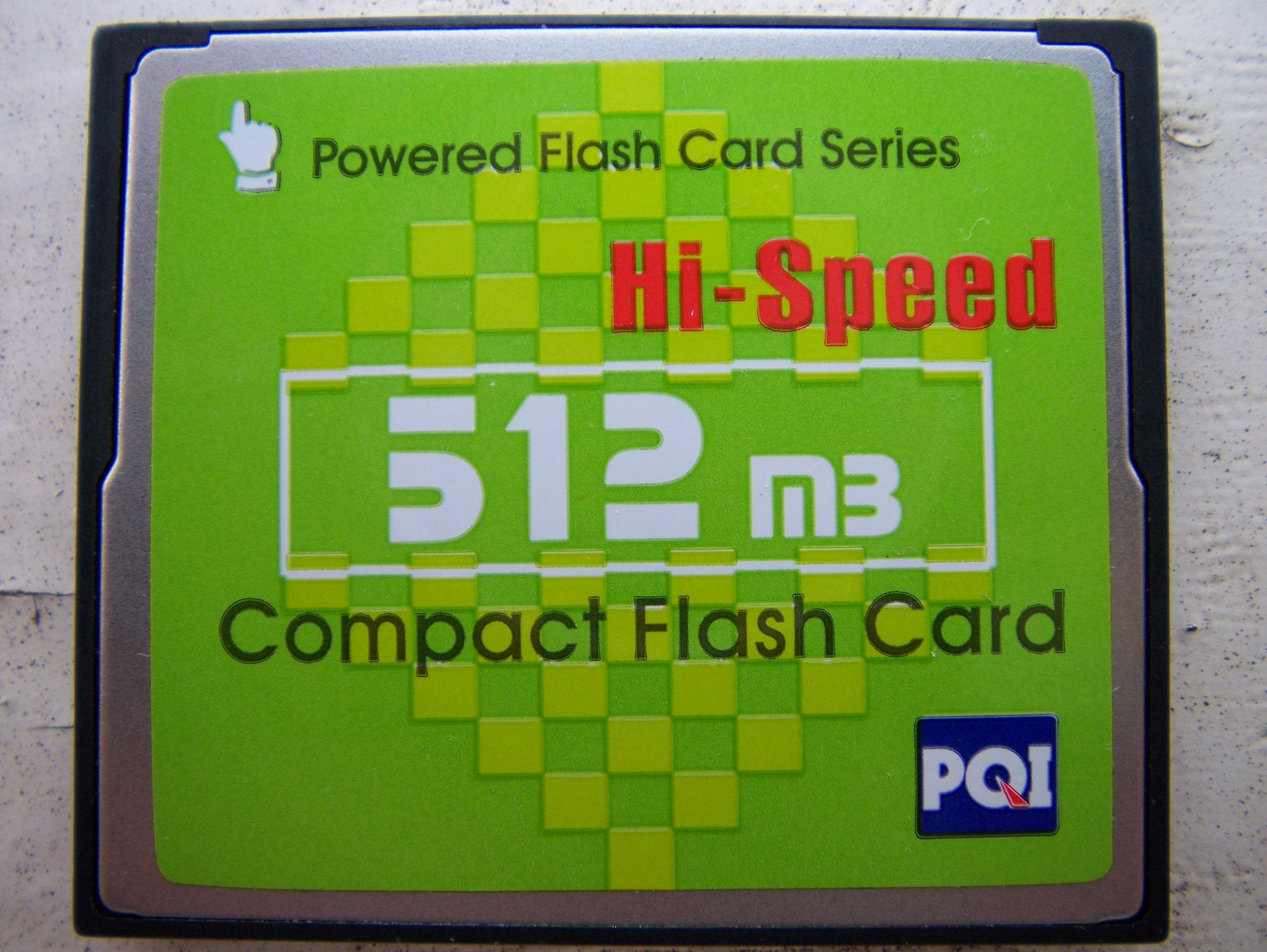
The Kodak Easyshare V610 offers a Macro setting that allows you to focus on a subject that is 5cms away from the camera when the lens is set to 38mm wide-angle. The first image shows how close you can get to the subject (in this case a compact flash card). The second image is a 100% crop.
| Macro Shot (click to view full-sized image) |
100% Crop |
 |
|
Flash
The flash settings on the Kodak Easyshare V610 are Auto, Off, Fill and Digital Red-eye Reduction. These shots of a magnolia coloured wall were taken at a distance of 1.5m.
| Flash Off - Wide Angle (38mm) |
Auto Flash - Wide Angle (38mm) |
 |
 |
| Flash Off - Telephoto (380mm) |
Auto Flash - Telephoto (380mm) |
 |
 |
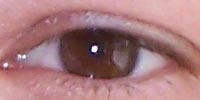
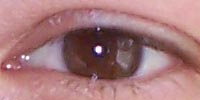
And here are some shots of yours truly. As you can see, neither the Auto or the Digital Red-Eye Reduction option caused any red-eye and the overall exposure is good.
| Flash On |
Flash On (100% Crop) |
 |
 |
| Flash - Red-Eye Reduction |
Flash - Red-Eye Reduction (100% Crop) |
 |
 |
Night Shot
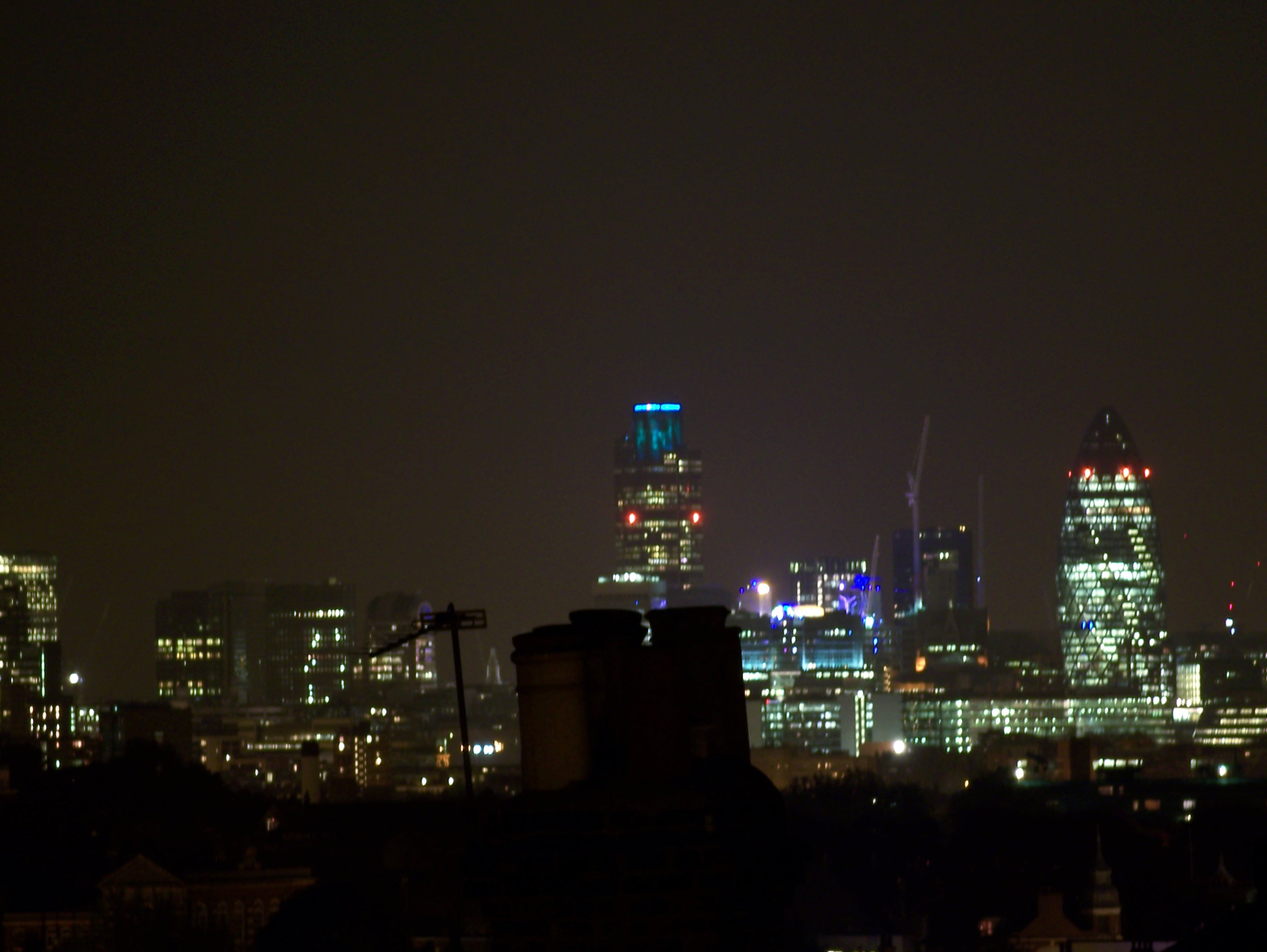
The Kodak Easyshare V610 maximum shutter speed is 8 seconds in the Long Exposure mode, which is just about adequate for night photography. The shot below was taken using a shutter speed of 8 seconds at ISO 64. I've included a 100% crop of the image to show what the quality is like. The camera takes the same amount of time again to apply noise reduction, so for example at the 8 second setting the actual exposure takes 16 seconds.
| Night Shot (click to view full-sized image) |
100% Crop |
 |
|
Kodak's Perfect Touch Technology
The Kodak V610 has a unique feature called Perfect Touch, which according to Kodak allows you to "print better, brighter pictures, relive your memories in richer detail and clear up dark shadows to reveal more smiles". It basically balances the shadows and highlights in a high-contrast image, for example a scene that includes deep black shadows and a bright white sky. Perfect Touch is selected by pressing the Menu button when an image is played back, so it is applied after the image has been recorded. The V610 either processes a copy of the image or changes the original (which takes around 5 seconds) so that some areas of the photograph are lightened or darkened and some are left as they are. Here are some examples which show the effects of using the Perfect Touch feature - it's a little more subtle than other manufacturer's systems, like Nikon's D-Lighting and HP's Adaptive Lighting.
| Perfect Touch - Off |
Perfect Touch - On |
 |
 |
| Perfect Touch - Off | Perfect Touch - On |
 |
 |
Overall Image Quality
The Kodak Easyshare V610 produced images of average quality during the review period. The 6 megapixel images were quite soft straight out of the camera at the default sharpening setting and ideally require some further sharpening in an application like Adobe Photoshop, or you should change the in-camera setting to High. The Kodak Easyshare V610 dealt very well with chromatic aberrations, with limited purple fringing effects appearing only in high contrast situations. Macro performance is average, allowing you to focus as close as 5 cms away from the subject. The built-in flash worked well indoors, with no red-eye and good exposure. The night photograph was OK, with the maximum shutter speed of 8 seconds long enough for most situations. The new Perfect Touch feature works well with the right images, balancing out the shadow and highlight areas. The 1/2.5 inch, 6 megapixel sensor used in the Kodak Easyshare V610 was fine at ISO 64 and 100, but produced noisy images at ISO 200 and 400, with the fastest speed of ISO 800 best avoided. With no optical image stabilisation system, this make the V610 something of an outdoors, good-light camera. I noticed two other issues with image quality that are worth noting. First, the corners of images taken at the wide-angle lens settings were slightly out-of-focus. Secondly, if set to Auto ISO the V610 generally sets the ISO speed to 200 or 400 when using the longer focal lengths to help avoid camera shake. This is completely correct behaviour, but because the images are noisy and lack detail at these speeds, you will find that photos taken at the long end of the zoom will invariably be of poorer quality than wider-angle shots (where the camera can set a slower ISO speed).
|
 PhotographyBLOG
is a member of the DIWA
organisation. Our test results for the Kodak Easyshare V610
have been submitted to DIWA
for comparison with test results for different samples of
the same camera model supplied by other DIWA
member sites.
PhotographyBLOG
is a member of the DIWA
organisation. Our test results for the Kodak Easyshare V610
have been submitted to DIWA
for comparison with test results for different samples of
the same camera model supplied by other DIWA
member sites.